Idea Generator
Generate ideas in Flowacts and sort them into themes, branches, and next directions on an editable canvas for projects, content, and research.

Turn any topic, brief, note, or idea into a structured canvas you can shape into real work
Organize ideas, notes, and concepts into visual maps for brainstorming, learning, and research.
Generate ideas in Flowacts and sort them into themes, branches, and next directions on an editable canvas for projects, content, and research.
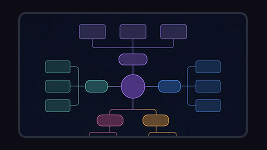
Create a concept map from a topic, lesson note, research question, product idea, or complex subject. Connect concepts, examples, causes, effects, and relationships so the structure is easier to understand.
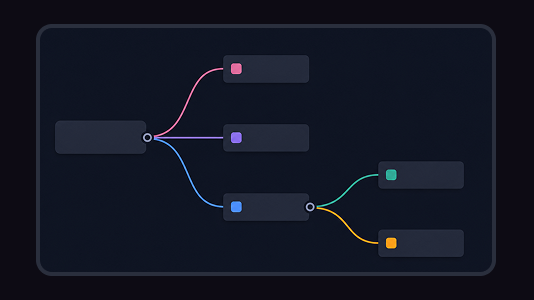
Turn scattered ideas, research notes, and meeting threads into a clear mind map. Flowacts helps you create branches, organize details, and shape next actions on an editable canvas.
Create diagrams that explain workflows, processes, systems, and information structures at a glance.
Plan projects with timelines, Gantt charts, roadmaps, milestones, owners, and delivery schedules.
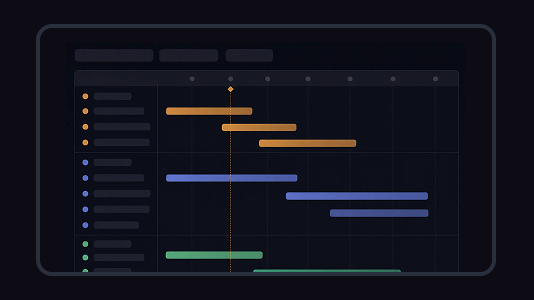
Create a roadmap from a product idea, project goal, strategy brief, release plan, or campaign direction. Organize goals, priorities, phases, milestones, owners, and status into one visual plan.
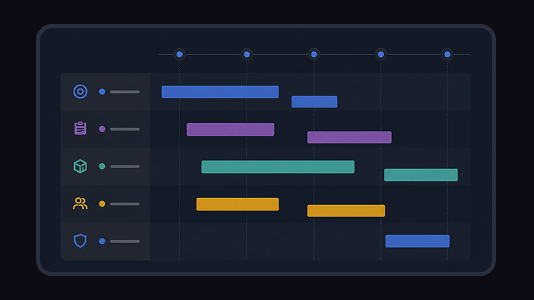
Create a Gantt chart from a task list, project brief, launch plan, or schedule notes. Map start dates, end dates, durations, dependencies, task owners, progress, and milestones on a visual project timeline.

Create a project plan from a goal, brief, launch idea, client request, or team initiative. Map scope, tasks, owners, milestones, deadlines, risks, and resources into one editable planning canvas.
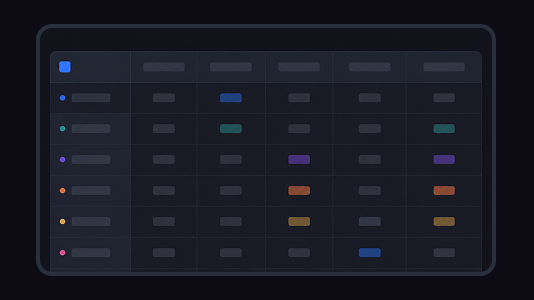
Build a study plan from your goals, exam date, topics, weak areas, and available time. Flowacts helps you turn notes, deadlines, review blocks, and practice tasks into a schedule you can actually follow.
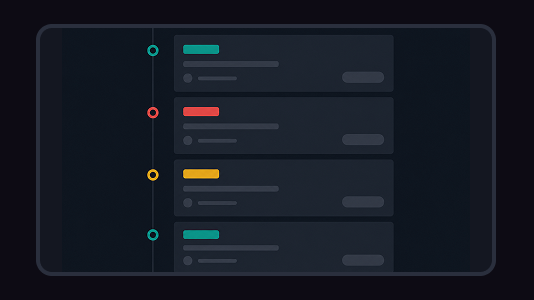
Create a timeline from project milestones, historical events, company moments, campaign dates, or lesson notes. Add the key dates, arrange the sequence, and shape the result into a visual timeline on canvas.
Turn business ideas, goals, and market insights into clear plans, strategies, and actionable frameworks.

Create a structured business plan from a short idea, rough notes, or a company description. Flowacts helps organize your executive summary, target market, revenue model, costs, operations, risks, and milestones into a draft you can refine.
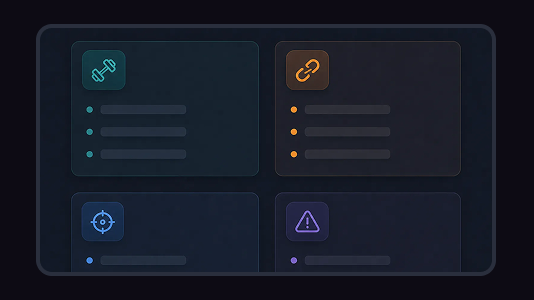
Create a clear SWOT matrix for a business, product, project, or personal goal. Flowacts helps you separate strengths, weaknesses, opportunities, and threats so your strategy review starts with sharper evidence.
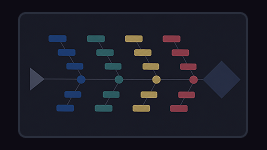
Create a concept map from a topic, lesson note, research question, product idea, or complex subject. Connect concepts, examples, causes, effects, and relationships so the structure is easier to understand.
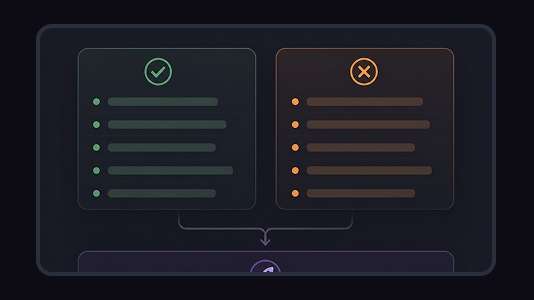
Make a balanced pros and cons list for one decision. Flowacts helps you separate reasons for and against, group related points, and see what still needs more context before you choose.
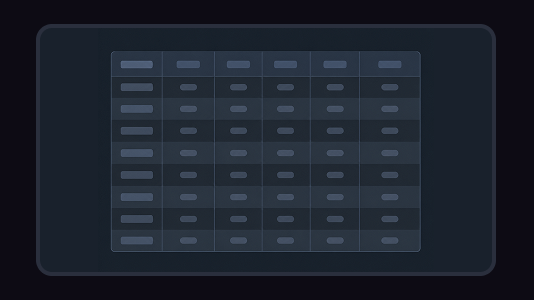
Create a timeline from project milestones, historical events, company moments, campaign dates, or lesson notes. Add the key dates, arrange the sequence, and shape the result into a visual timeline on canvas.
How Flowacts AI tools work, what they generate, and how to refine the result on canvas.
Each tool turns a short prompt into a starting structure — a mind map, flowchart, or diagram — that you can edit, expand, and share on the Flowacts canvas.
You can explore every tool page freely. Creating and saving a canvas requires a Flowacts account.
Yes. The generated structure is only a starting point — rename labels, restructure branches, and reshape the canvas around your own thinking.
A tool generates a structure from your prompt. A template gives you a prepared canvas to fill in. Many teams start with a tool, then keep a template for recurring work.
Start with one idea. Leave with a canvas full of context, evidence, alignment, and next actions.