 Templates
Timeline Template
Transform your complex project schedules into clear, actionable visual timelines

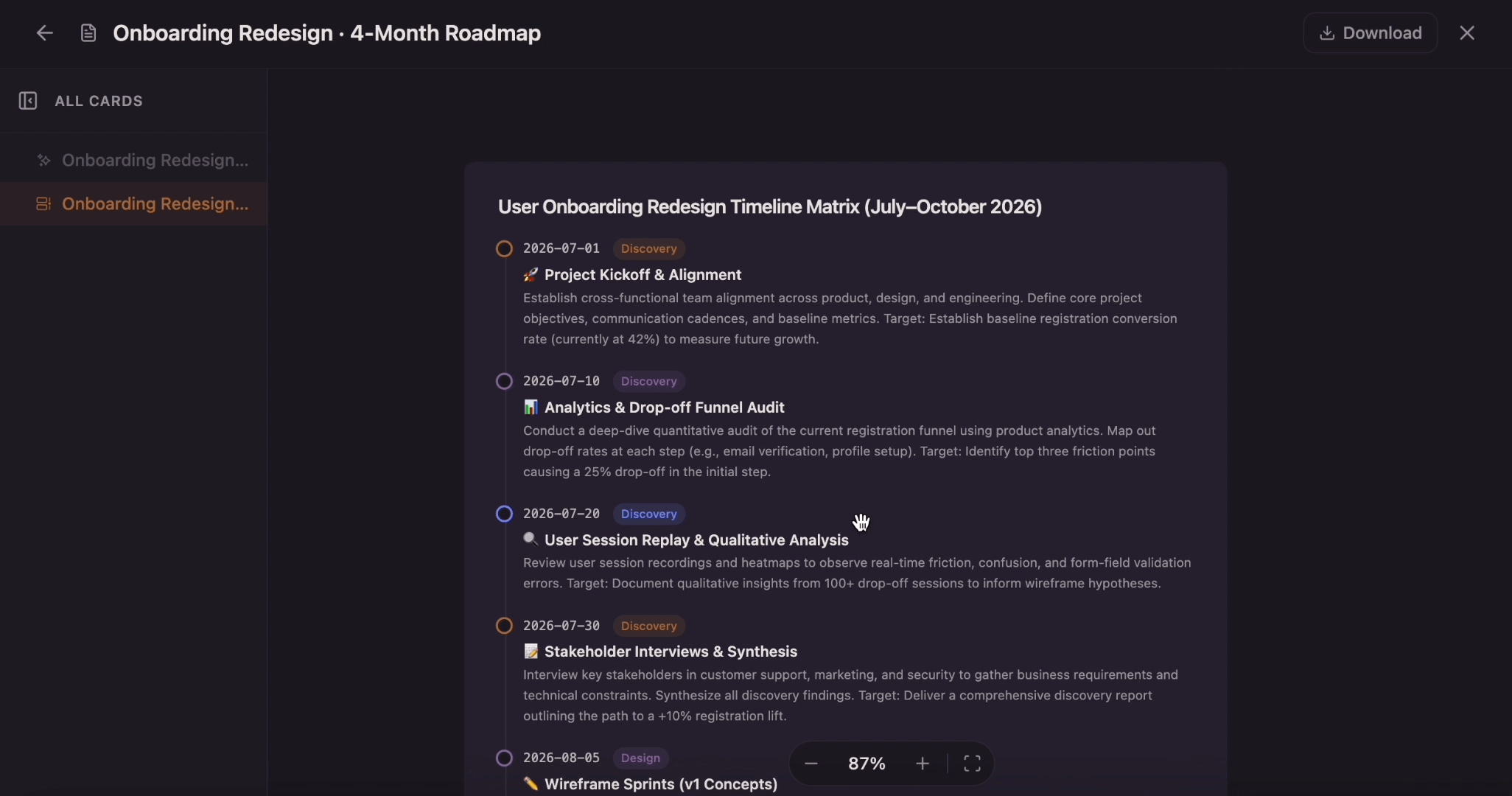
Create a timeline from project milestones, historical events, company moments, campaign dates, or lesson notes. Add the key dates, arrange the sequence, and shape the result into a visual timeline on canvas.
A timeline works best when events, dates, and context sit in one ordered view. Flowacts helps you start from a topic, event list, notes, or brief, then turn that material into a timeline you can review, rearrange, and use in planning or presentation work.
01
Describe the topic, project, history period, or event sequence you want to show. Add exact dates if you have them, or use rough markers such as Q1, launch week, phase one, before launch, after approval, or final review.
02
Place milestones in chronological order and group related moments by phase, theme, or category. Check what happens first, what overlaps, what depends on another event, and where the timeline needs more context.
03
Rename event labels, add short descriptions, adjust dates, move items, and choose the layout that fits the story. Use the finished timeline for a project plan, history lesson, campaign overview, report, or presentation.
A timeline is a visual sequence of events arranged in chronological order. It usually shows dates, milestones, phases, or important moments along a horizontal or vertical line, so viewers can understand what happened first, what changed over time, and how one moment connects to the next.
An online timeline maker helps you create that sequence without manually aligning every date, label, and connector in a slide or document. With Flowacts, you can start from a topic, notes, or an event list, then shape the timeline into a clear visual structure for project planning, company history, education, research, launches, campaigns, and reports.
Timelines make time easier to scan. Instead of reading a long list of dates or digging through notes, people can see the order, spacing, and importance of events in one visual path.

A timeline shows the sequence of events in a way a paragraph cannot. Dates, phases, and milestones sit in order, making it easier to understand progress, delays, gaps, and turning points.

Important events rarely stand alone. A timeline helps connect milestones with the decisions, launches, deadlines, lessons, or historical moments around them, so the viewer understands why each point matters.

Use timelines for project plans, product launches, company histories, classroom lessons, research summaries, campaign calendars, and presentation slides. The format is simple, but it works across many subjects.
Keep going with templates and tools for the same workflow.
TemplatesTransform your complex project schedules into clear, actionable visual timelines
 Tools
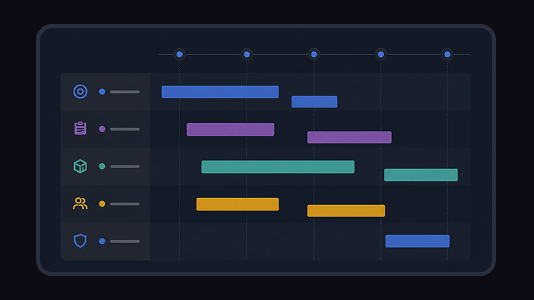
ToolsCreate a Gantt chart from a task list, project brief, launch plan, or schedule notes. Map start dates, end dates, durations, dependencies, task owners, progress, and milestones on a visual project timeline.
 Templates
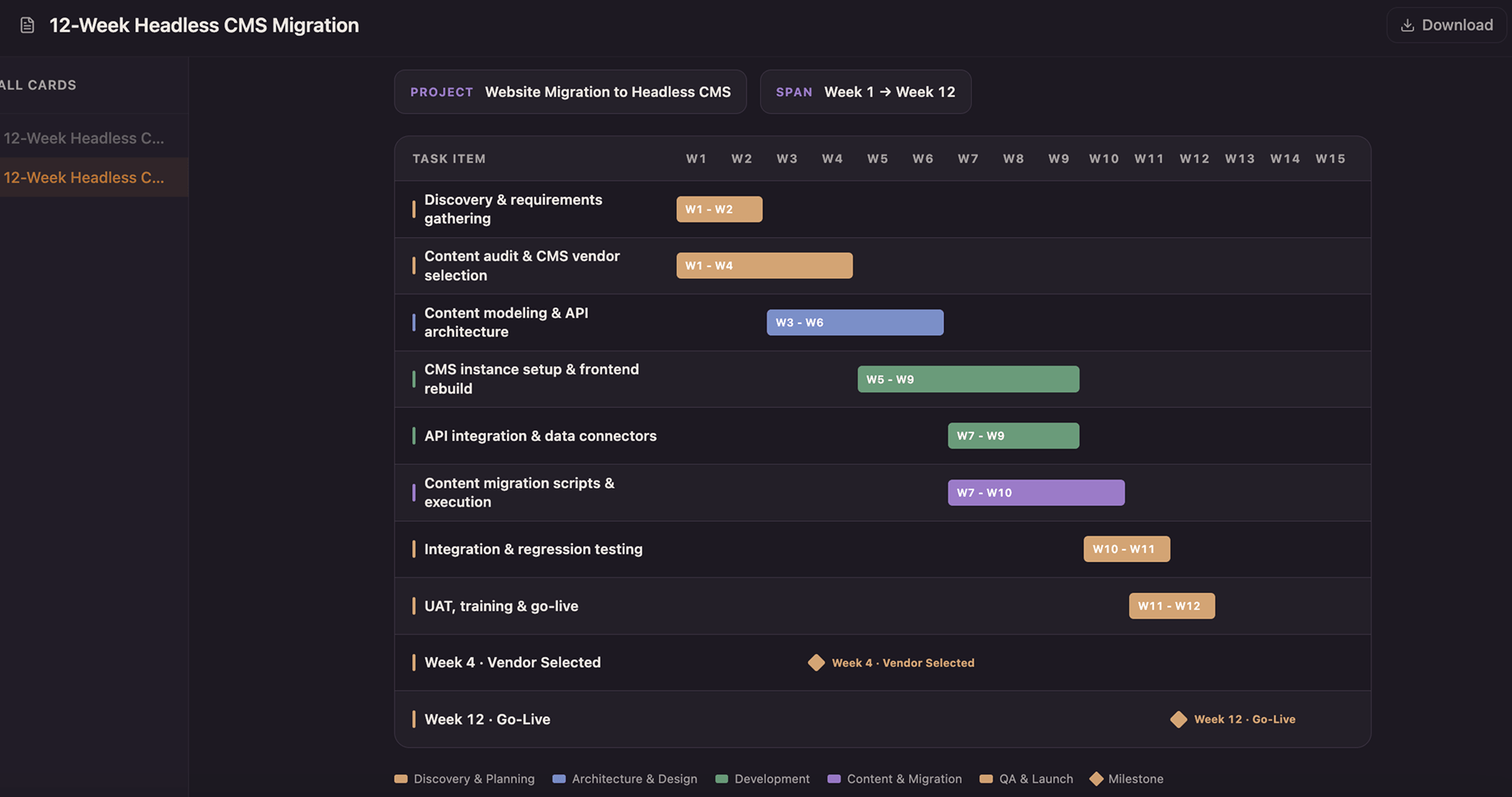
Lay every task as a solid bar across a twelve-week axis and color it by the team that owns it—copper for design, blue for build, green for test, purple for release—so a glance down any week shows who holds the schedule. Drag a bar to reschedule, snap it to whole weeks, and drop a milestone diamond on launch day.
 Tools
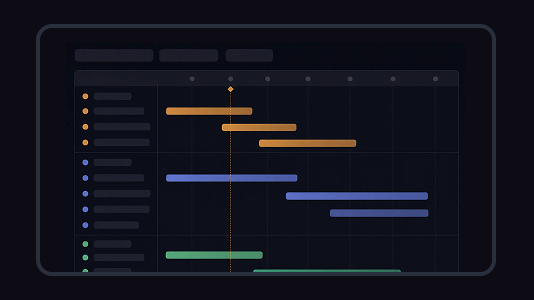
ToolsCreate a roadmap from a product idea, project goal, strategy brief, release plan, or campaign direction. Organize goals, priorities, phases, milestones, owners, and status into one visual plan.
Quick answers for creating, editing, and using timelines in Flowacts.
A timeline maker is a tool for creating a visual sequence of events, dates, milestones, or phases. It helps you show what happens over time without manually designing every line, label, and connector.
Start with the topic or time period, list the key events, add dates or phases, and arrange everything in chronological order. In Flowacts, you can begin with a short prompt such as 'Create a timeline for a product launch', then refine the labels, dates, and layout on canvas.
Yes. You can start with Flowacts as a free timeline maker, enter a topic or event list, and shape the result into a visual timeline online. Use it for project milestones, company history, lessons, campaigns, or reports.
A timeline shows the order and context of events over a period of time. A schedule is usually more operational: it focuses on exact times, assignments, and availability. A project may use both: a timeline for the big picture and a schedule for day-to-day work.
Start with one idea. Leave with a canvas full of context, evidence, alignment, and next actions.