 Tools
ToolsMind Map Maker
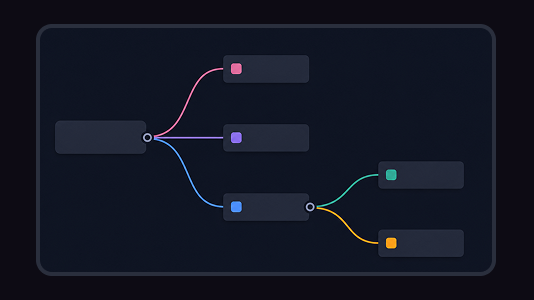
Turn scattered ideas, research notes, and meeting threads into a clear mind map. Flowacts helps you create branches, organize details, and shape next actions on an editable canvas.

Generate ideas from a topic, goal, note, or question, then organize them into themes and branches. Flowacts helps you move from a blank page to a canvas of usable directions, examples, and follow-up angles.
Start with a topic or goal, then use Flowacts to create, group, and expand ideas without losing the promising branches. The canvas keeps the brainstorm flexible while you narrow the best directions.
01
Enter the problem, audience, topic, product, story world, campaign, or research question you want ideas for. Add constraints if you need ideas for a specific format, tone, market, or deadline.
02
Sort ideas by angle, audience, format, difficulty, risk, or novelty so the output is more useful than a flat list. Similar ideas can merge into stronger themes.
03
Pick an idea and expand it into examples, questions, variations, constraints, or a plan for what to try first. Keep weaker ideas nearby in case they combine with a better branch.
An idea generator helps you produce possible directions when a topic, goal, question, or project still feels too open. It can start from a rough prompt, audience, creative brief, research question, or existing note, then turn that seed into grouped ideas.
For creators, founders, marketers, writers, students, and product teams, the useful part is not a random list. Flowacts helps you see which ideas belong together, which branch needs examples, and which direction can become a plan, outline, experiment, or content series.
Idea generators work best when they reduce blank-page pressure and then help you organize the output. The value is not only getting more ideas; it is seeing which ones belong together, which ones fit the goal, and which ones deserve a deeper branch.

You can begin with a rough topic, messy note, audience, product, or question, then let the canvas reveal possible directions. This makes the first move easier even when the final output is unclear.

Flowacts groups ideas into themes, which makes it easier to compare creative angles and spot the ones that fit your goal, audience, constraints, or available time.

Promising ideas can expand into examples, outlines, research questions, campaign concepts, or product experiments without leaving the canvas. The history of the brainstorm stays visible.
Keep going with templates and tools for the same workflow.
ToolsTurn scattered ideas, research notes, and meeting threads into a clear mind map. Flowacts helps you create branches, organize details, and shape next actions on an editable canvas.
 Templates
Goodbye messy notes. Instantly spin up brainstorming boards and team retrospectives.
 Tools
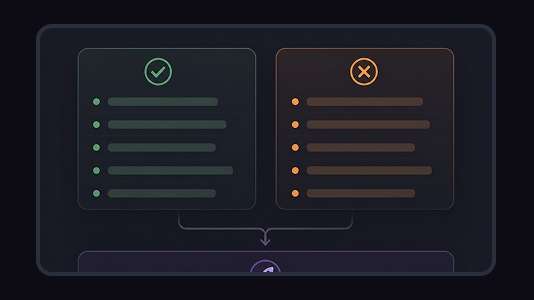
ToolsMake a balanced pros and cons list for one decision. Flowacts helps you separate reasons for and against, group related points, and see what still needs more context before you choose.
 Templates
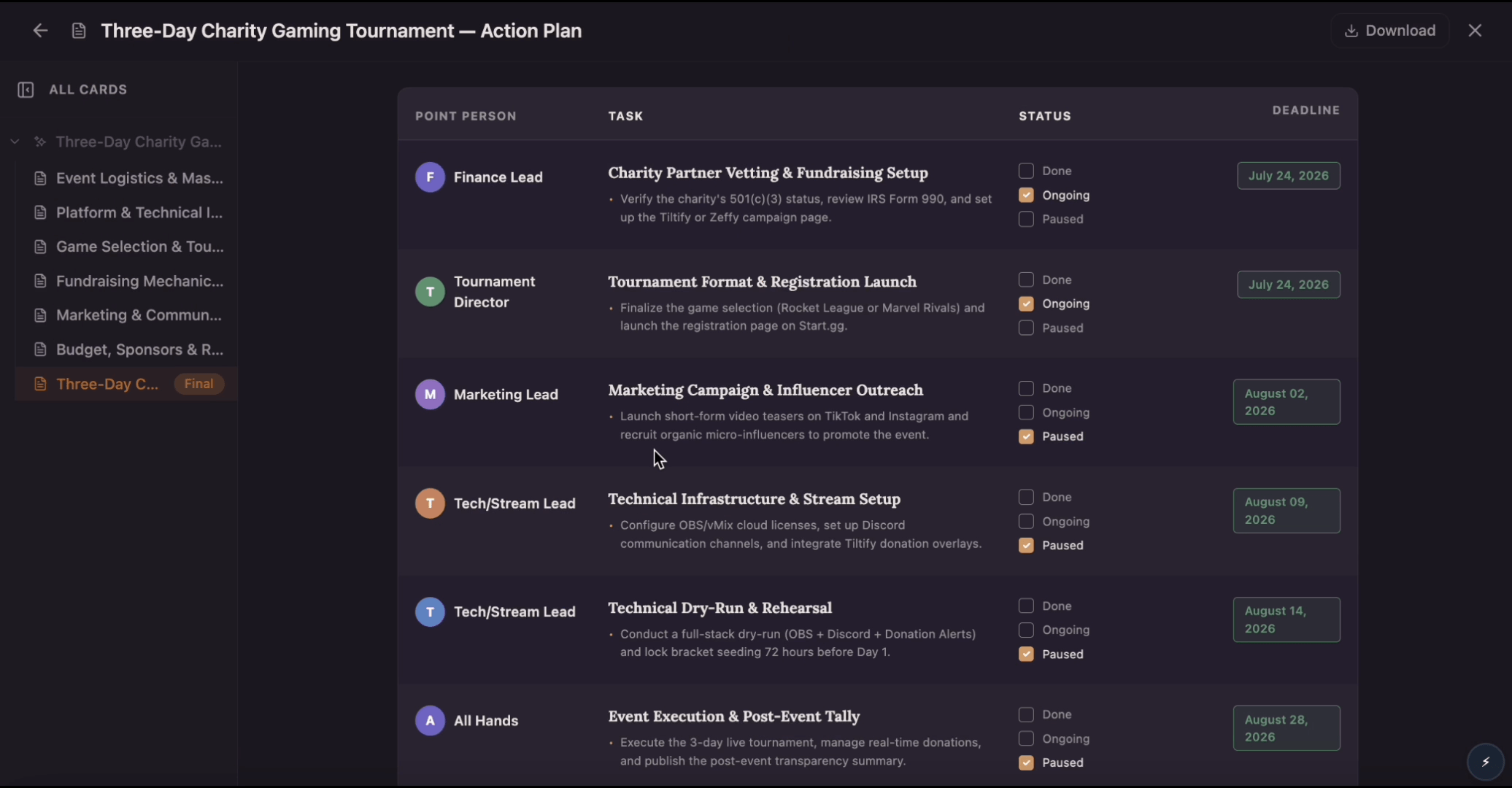
Build an action plan that turns ambitious goals into accountable work by breaking them into clear tasks with assigned owners, visible status, and real deadlines. Use this template to map out who does what by when, track progress as tasks move from planned to done, and keep everyone aligned while Flowacts organizes updates and surfaces what needs attention next.
Answers for people using Flowacts to generate, sort, and develop ideas into something usable.
RStart with a clear seed: a goal, topic, audience, problem, or source note. Flowacts can then help you create a set of ideas, organize them into themes, and expand the strongest branches.
Yes. Describe the audience, problem, market, skills, or constraints you want to explore, then branch ideas by customer pain, revenue model, difficulty, differentiation, and first test.
Yes, but Flowacts is broader than a story prompt generator. You can use it to explore characters, conflicts, settings, plot variations, and research notes on the same canvas.
Yes. Keep the idea map as a workspace, then return to promising branches when you are ready to plan, compare, or expand them.
Random generators give you a quick spark. Flowacts is built for developing the spark into themes, branches, supporting context, follow-up directions, and next experiments.
Start with one idea. Leave with a canvas full of context, evidence, alignment, and next actions.