Flowacts Logo
How it worksWhy FlowactsUse casesTemplatesPricingFAQ
Flowacts Logo
The workspace where you, your team, and AI build together.

Product

PricingContact Us

Resources

Help Center

Explore

TemplatesTools

All rights reserved. © 2026 Flowacts

Privacy PolicyTerms of Use
ToolsRoot Cause Analysis Tool

Root Cause Analysis Tool

Trace a problem from symptoms to likely causes, evidence, and corrective actions. Flowacts gives you a visual workspace for 5 Whys, fishbone branches, process gaps, follow-up questions, and the notes behind each cause.

Once your project is created, you can use @ to mention pages or nodes and quickly link related context.

How to Make a Root Cause Analysis with Flowacts

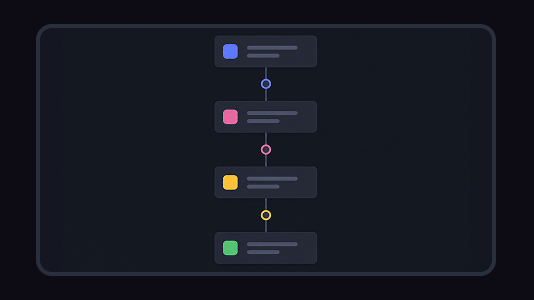
Begin with the visible problem, then map causes, evidence, and possible fixes without losing the thread of the investigation. Keep guesses separate from supported causes as the canvas grows.

01

Define the symptom

Write the problem in observable terms: what happened, where it happened, who was affected, and when it repeated. A clear symptom prevents the analysis from drifting into general complaints.

02

Map causes and evidence

Use 5 Whys, fishbone categories, process steps, notes, and links to separate likely causes from guesses. Add evidence beside each branch so the team can see what is known.

03

Connect causes to corrective actions

Group contributing factors, mark what still needs validation, and turn the strongest causes into practical corrective actions. Keep unresolved branches visible for later review.

What Is a Root Cause Analysis?

Root cause analysis is a method for finding why a problem happened instead of only treating the visible symptom. A root cause analysis tool helps you map possible causes, evidence, 5 Whys, fishbone categories, process gaps, and corrective actions.

For operations, support, product, engineering, and quality teams, a useful RCA keeps the investigation visible. It shows what happened, which causes are supported by evidence, which assumptions need checking, and how each corrective action connects back to the underlying problem in Flowacts.

Why Root Cause Analyses Work

Root cause analysis works because repeated problems usually have more than one contributing factor. A visual cause map keeps the investigation open long enough to find the pattern behind the symptom, without losing evidence or context.

Separate symptoms from causes

The canvas makes it clear which notes describe the visible issue and which notes explain why it may be happening. This helps teams avoid solving only the surface problem.

Follow the causal chain

5 Whys and fishbone branches help teams move from "what happened" to process gaps, system limits, training issues, unclear ownership, or missing checks.

Tie fixes to evidence

Corrective actions are easier to defend when the cause, supporting evidence, and remaining assumptions stay near each other. The fix can be reviewed against the cause it is meant to address.

Related tools & templates

Keep going with templates and tools for the same workflow.

Gap Analysis TemplateTemplates

Gap Analysis Template

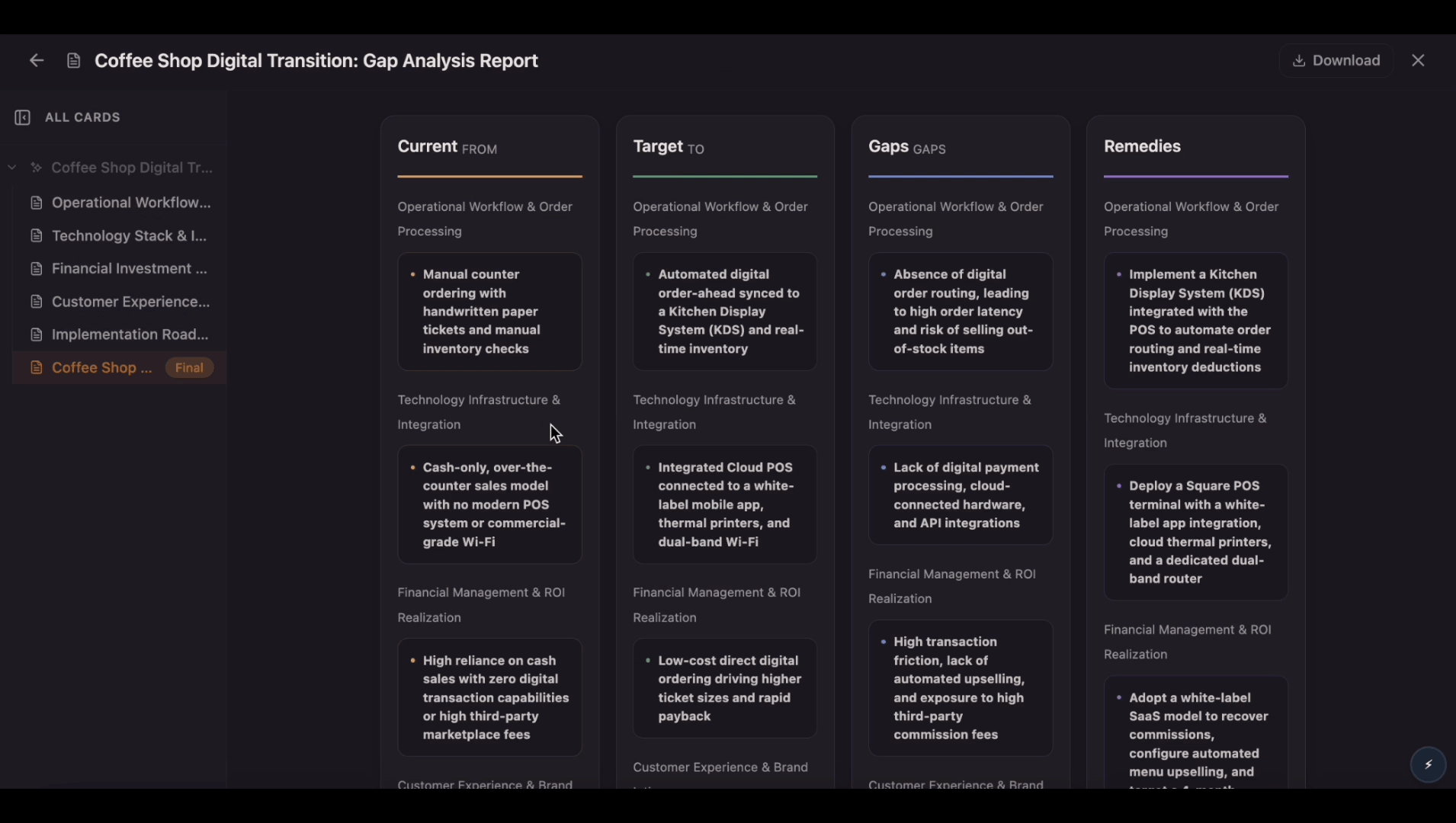
Compare your current state with your desired future state on one editable canvas. Use this gap analysis template to identify gaps, understand root causes, prioritize actions, and track progress as your team closes the gap.

Concept Map MakerTools

Concept Map Maker

Create a concept map from a topic, lesson note, research question, product idea, or complex subject. Connect concepts, examples, causes, effects, and relationships so the structure is easier to understand.

Action Plan templateTemplates

Action Plan template

Build an action plan that turns ambitious goals into accountable work by breaking them into clear tasks with assigned owners, visible status, and real deadlines. Use this template to map out who does what by when, track progress as tasks move from planned to done, and keep everyone aligned while Flowacts organizes updates and surfaces what needs attention next.

Flowchart GeneratorTools

Flowchart Generator

Create an online flowchart from a workflow, SOP, user journey, support path, or code outline. Describe what happens, where the process branches, and what each outcome should show, then refine the diagram on canvas.

Frequently Asked Questions About Root Cause Analysis Tool

Answers for people choosing RCA tools, comparing methods, or building a root cause analysis from a problem statement.

Root cause analysis tools are methods or software used to investigate why a problem happened. Common methods include 5 Whys, fishbone diagrams, process mapping, cause-and-effect diagrams, and corrective action plans. Flowacts helps keep those methods in one visual workspace.

There is no single tool for every case. 5 Whys works well for a simple causal chain, fishbone diagrams work well for categories of possible causes, and process mapping helps when the problem happens during a workflow.

Yes. Start with the problem, ask why it happened, then continue asking why until you reach a cause that can be tested or addressed. Keep notes beside each answer so the chain is easier to review.

Process mapping can support root cause analysis when the problem involves handoffs, delays, approvals, rework, or missing checks in a workflow.

Don't just chat it. Flowacts it.

Start with one idea. Leave with a canvas full of context, evidence, alignment, and next actions.