Flowacts Logo
How it worksWhy FlowactsUse casesTemplatesPricingFAQ
Flowacts Logo
The workspace where you, your team, and AI build together.

Product

PricingContact Us

Resources

BlogHelp Center

Templates

SWOT AnalysisMeeting AgendaProject Planning TemplateBusiness Plan TemplateTimeline Template

All rights reserved. © 2026 Flowacts

Privacy PolicyTerms of Use
TemplatesMeetingsWeekly Agenda Template

Weekly Agenda Template

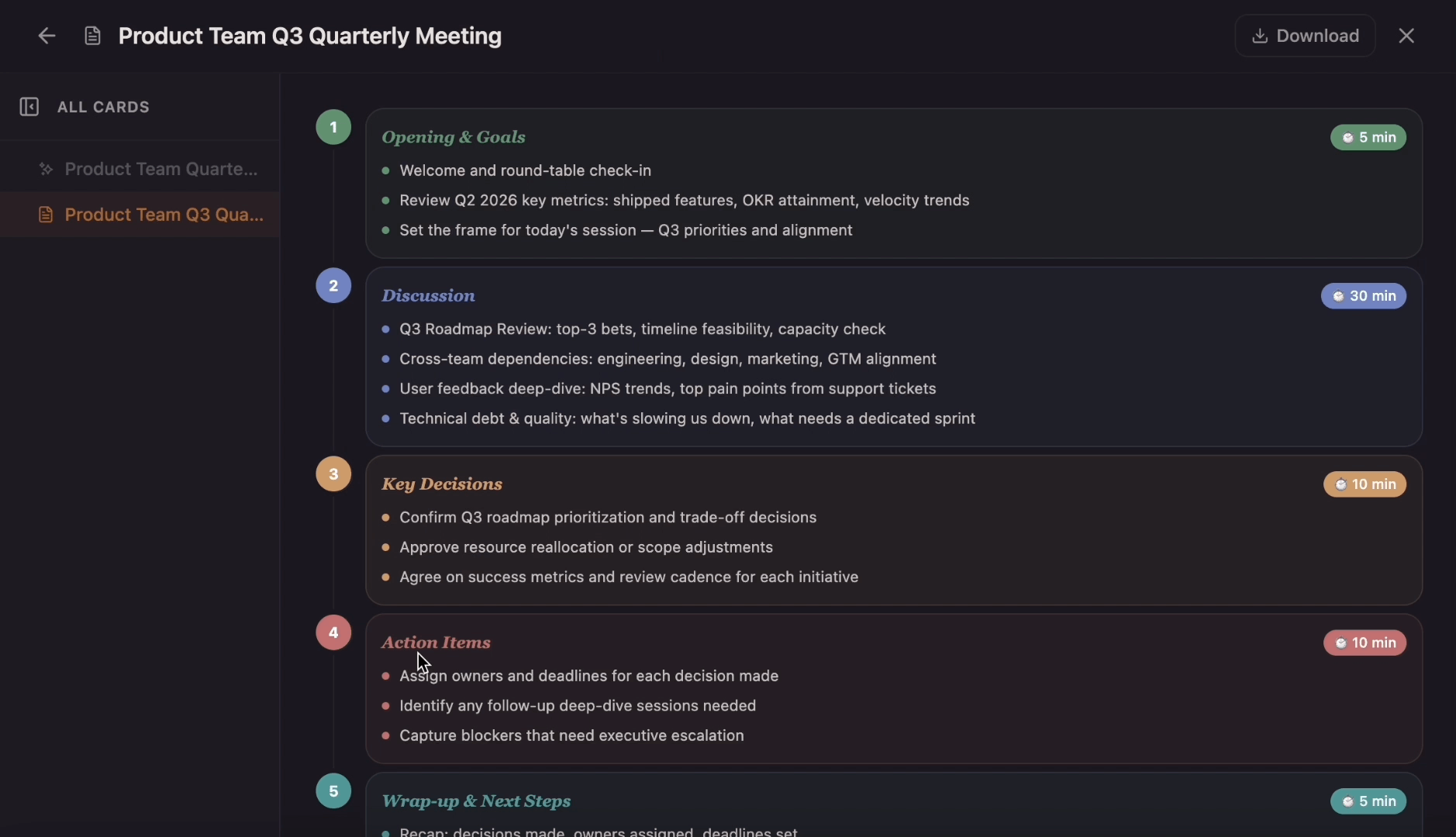
Run a clearer weekly meeting with objectives, recurring topics, time blocks, progress updates, decision points, action items, and notes in one shared agenda. Flowacts helps carry context forward from week to week so priorities, owners, and follow-ups stay visible.

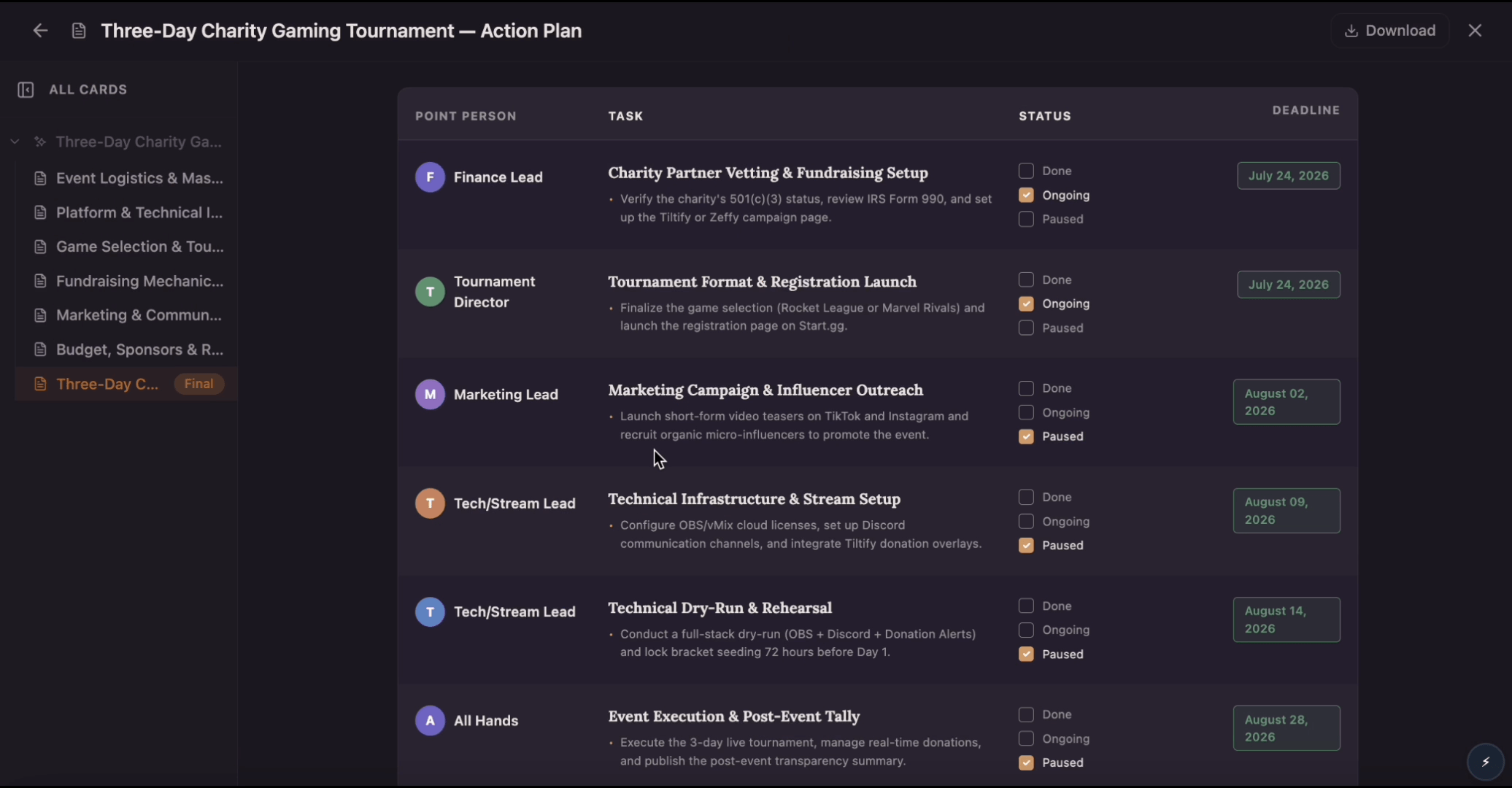
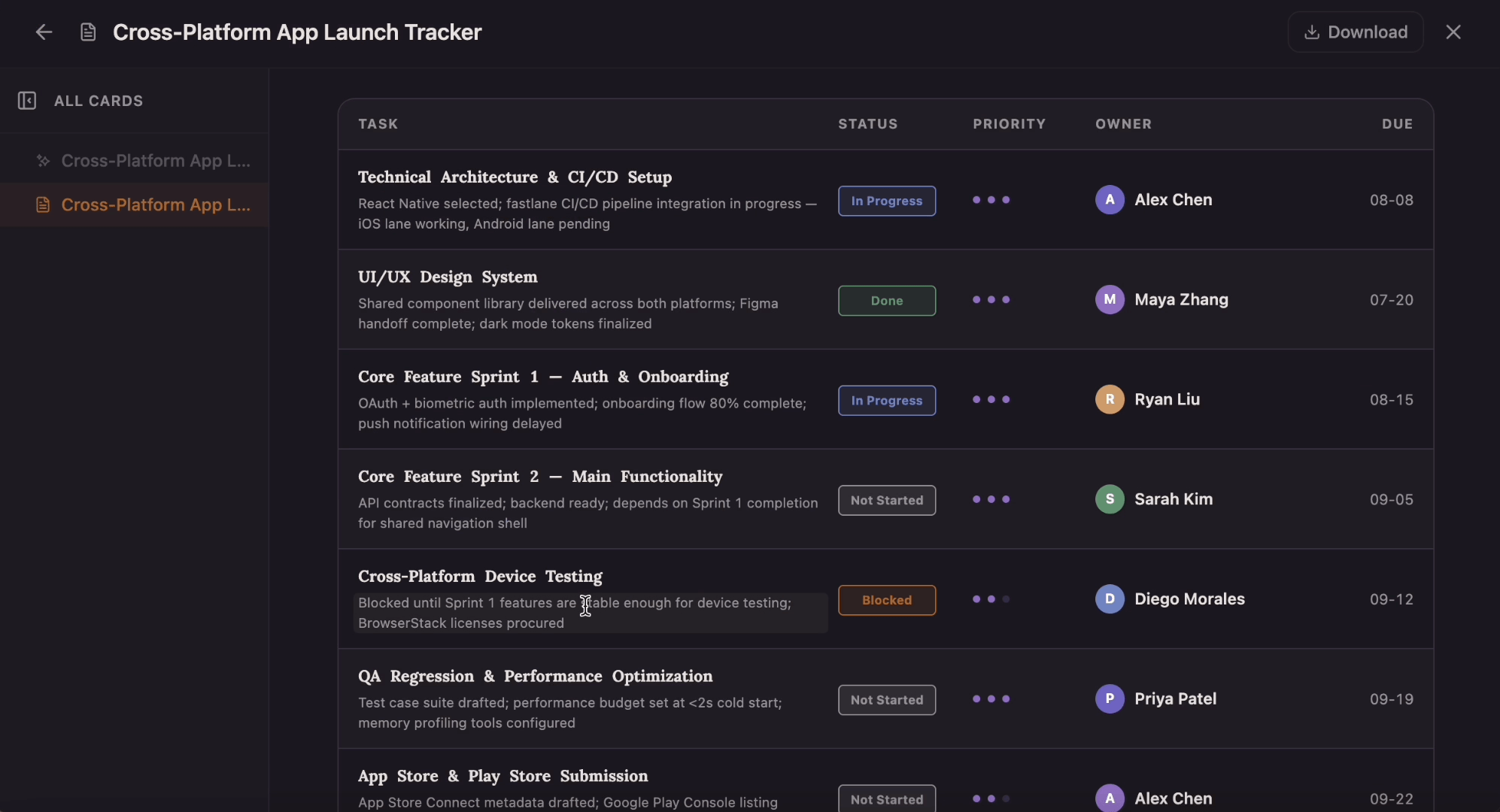
Weekly Agenda Template preview

About the Weekly Agenda Template

This weekly agenda template helps teams map tasks, meetings, and deadlines across a full week. The canvas uses daily columns, time-blocked cards, item counts, workload totals, and empty-day placeholders so teams can see what is scheduled, where time is going, and which days still have room for new work.

Why Teams Use It

Most weekly agendas end up as static documents that get duplicated, lose track of prior commitments, and drift from the actual meeting flow. Flowacts keeps your agenda, discussion notes, decisions, and carry-forward action items together in one editable space. You can start with a rough agenda outline, organize recurring topics by priority, update time allocations mid-meeting as discussions run long, and invite team members to see the full context. This makes the template useful for weekly standups, leadership check-ins, and recurring project syncs.

What's Included

The template includes sections for meeting objectives, recurring discussion topics with time blocks, progress updates from previous weeks, decision points requiring team input, action items and ownership, and space for notes. Guided prompts help you structure balanced agendas that give appropriate time to strategic topics, operational updates, and team concerns.

When To Use It

Use this template for weekly team standups, recurring leadership meetings, project status check-ins, department syncs, or any regular meeting where you need consistent structure, action item tracking across sessions, and the ability to adapt topics as priorities shift.

How to Use This Template

  1. 1

    Use the Template

    Click “Use Template” to open a new canvas with a weekly agenda structure already prepared.

  2. 2

    Customize the Prompt

    Edit the meeting objectives, recurring topics, time blocks, progress updates, decision points, and team-specific discussion areas to match your weekly rhythm.

  3. 3

    Generate Your Canvas

    Create a structured weekly agenda with sections for objectives, recurring topics, time blocks, progress updates, decision points, action items, and notes.

  4. 4

    Refine With Chat

    Ask follow-up questions, add new recurring topics, adjust time blocks as discussions evolve, or pull forward unresolved action items from last week's session.

The AI Canvas Workspace

Skip the frustration of staring at a daunting blank canvas—our templates do the foundational setup work for you right away.

Smart Workload Balancing

Prevent burnout from uneven task distribution across the week. Flowacts calculates total time commitments per day and surfaces when you've scheduled eight hours of focused work on a day with six hours of meetings, so you can redistribute before Monday arrives.

Conflict Detection

Stop double-booking yourself or missing scheduling conflicts. The canvas flags when a new urgent task overlaps with existing commitments, showing you exactly which lower-priority items need to shift to make room without manually recalculating your entire week.

Week-to-Week Continuity

Most weekly agendas start fresh each week and lose track of why tasks were delayed or reprioritized. This canvas carries forward incomplete work with its context intact—when a Thursday task slides to next Monday, the reasoning and dependencies stay attached so you don't rediscover the same constraints twice.

Questions About the Weekly Agenda Template

Got a question about how this specific canvas behaves? Here is what you need to know before you get started.

A weekly agenda is a structured plan that organizes your tasks, meetings, priorities, and goals across seven days. It provides a visual overview of the upcoming week, helping you balance workload, avoid overcommitment, and allocate time for both planned projects and reactive work.

A weekly agenda shows strategic priorities and workload distribution across multiple days, helping you balance task intensity and identify busy periods. A daily agenda focuses on hour-by-hour execution for a single day with specific time slots and immediate tasks. Weekly agendas are for planning and preparation; daily agendas are for tactical execution.

Start by listing all upcoming tasks, meetings, and deadlines for the week. Prioritize items by importance and urgency, then distribute them across days based on available time and energy. Schedule high-priority work during your most productive hours and balance intense days with lighter workloads. Flowacts generates a structured canvas with all these sections, then helps you adjust as new priorities emerge.

Include daily task lists with priority levels, time estimates for each item, scheduled meetings and appointments, weekly goals or milestones, and buffer time for unexpected work. Effective weekly agendas balance planned projects with capacity for reactive tasks and show realistic workload distribution.

Yes. Invite team members to add their weekly commitments to the canvas so everyone sees workload distribution across the team. This visibility helps identify who's overloaded, who has capacity for urgent work, and where handoffs need to happen without requiring status meetings.

Review and update your agenda at the start of each week during a consistent planning session, then make lightweight adjustments daily as priorities shift. Flowacts makes updates easy—when an urgent task arrives mid-week, add it directly to the canvas and the system shows which planned work needs to shift to accommodate it.

Template details

Best for

Team LeadsProject ManagersIndividual ContributorsOperations ManagersCoordinators

Tags

Weekly MeetingsMeeting AgendaTeam CoordinationAction ItemsWeekly Planning

Description

Run a clearer weekly meeting with objectives, recurring topics, time blocks, progress updates, decision points, action items, and notes in one shared agenda. Flowacts helps carry context forward from week to week so priorities, owners, and follow-ups stay visible.

Share

Categories

Browse related template categories to find more workflows connected to this template.

  • Meetings

    3
  • Analysis

    5
  • Strategy

    5
  • Project Management

    5
  • Chart

    2

Similar Templates

Related third-level template pages for users ready to keep browsing

Meeting Minutes Template

Meeting Minutes Template

Create clear meeting minutes with meeting details, attendees, agenda items, discussion summaries, decisions, and action items with owners and due dates. Flowacts turns raw notes into structured minutes your team can review, share, and use for follow-up accountability.

Meeting Agenda Template

Meeting Agenda Template

Move from a chaotic, unfocused team synch to a clear, goal-driven session. Use the template to map out target timeframes, critical discussion topics, speaker roles, and post-meeting action items while Flowacts outlines, organizes, and sharpens your notes.