 Tools
ToolsProject Planner
Create a project plan from a goal, brief, launch idea, client request, or team initiative. Map scope, tasks, owners, milestones, deadlines, risks, and resources into one editable planning canvas.

Which tasks are on track, and which are quietly blocked? This tracker gives every task a row with a four-state status pill, a one-to-three-dot priority, an owner, and a due date that flips to red the moment it slips past today.
Most task lists tell you what to do but not what's stuck. A project tracker adds that missing context: this template runs one task per row down a zebra-striped table, tagging each with a four-state status—done, in progress, blocked, or not started—a High, Medium, or Low priority shown as one to three copper dots, an owner, and a due date. Flowacts flags anything past due and pulls every blocked row into view before it stalls the release.
Standard task lists mark work done or not done, which hides the row that matters most—the one that's blocked. This tracker adds a true blocked state beside done, in progress, and not started, so a stalled task shows as a red pill instead of hiding under “in progress.” A lead scans the column for red, checks the owner avatar, and reassigns on the spot, while Flowacts compares every due date against today and flags what's overdue before it slips past unnoticed.
Each row carries a task title with an optional note tucked beneath it, a status pill in one of four states—done, in progress, blocked, or not started—a priority shown as one to three copper dots for low, medium, or high, an owner avatar, and a due date. Guided prompts flag overdue dates and gather every blocked task into a single view.
Reach for this template when a team runs a release with many moving tasks and needs to see at a glance what's blocked, when work spreads across several owners and deadlines, or when a status meeting keeps circling the same stalled items that a shared tracker would surface instantly.
Click “Use Template” to open a new canvas with a project tracker already prepared.
Set each task's title, its status, a High/Medium/Low priority, an owner, and a due date—adding a short note on any row that needs context.
Create a zebra-striped table with one task per row, a colored status pill, a copper priority dot count, an owner avatar, and a due date that flags itself when overdue.
Ask the assistant to surface every blocked task, list what's overdue, or reassign an owner as priorities shift through the week.
Skip the frustration of staring at a daunting blank canvas—our templates do the foundational setup work for you right away.
A task marked “in progress” can secretly be stuck waiting on someone else, and a two-state list has no way to show it. This tracker gives blocked its own red status beside done, in progress, and not started, and Flowacts gathers every blocked row into one view so the team knows exactly what to clear first.
A due date only helps if someone notices it passed. The canvas compares each date against today and turns overdue tasks red on its own, so a slipped deadline shows up on the board the moment it happens instead of waiting for the next status meeting to catch it.
Words like “high” and “medium” blur together in a long list. This template renders priority as one to three copper dots, so the heaviest work reads as density down the column—and you can sort the table so the three-dot tasks rise to the top when the week gets tight.
Got a question about how this specific canvas behaves? Here is what you need to know before you get started.
A project tracker template is a ready-made layout for recording every task in a project along with its status, priority, owner, and due date. Instead of rebuilding a table each time, your team fills the same columns, so anyone can open the tracker and see what's done, what's in progress, and what's stuck without asking around.
A project plan is the strategy you write before work starts—scope, goals, deliverables, and the overall timeline. A project tracker is the live tool you use during the work to watch task status, owners, and deadlines day to day. The plan is the map you draw up front; the tracker is the dashboard showing where you actually are.
A task list is a flat set of to-dos, usually for one person, with little more than checkboxes and maybe dates. A project tracker adds the context a team needs: who owns each task, its status, its priority, and when it's due. It shows not just what needs doing, but what's blocked and who is accountable for it.
At minimum, a project tracker needs a task name, an owner, a due date, and a status. Most teams add a priority level and room for short notes. This template covers all of them—task, a four-state status, a three-level priority, an owner, and a due date—with a note line tucked under each task so context never crowds the columns.
Break the work into clear tasks, give each one an owner and a due date, and keep the statuses honest as work moves. Review the tracker together often enough to catch risks early. In Flowacts you can ask the assistant to list every blocked task and flag anything overdue, so a quick scan replaces the round-the-table status update.
Yes. Status isn't limited to done or not done—each task can be set to done, in progress, blocked, or not started, so a stalled item stands out as its own red pill. The tracker also compares every due date against today and flags overdue tasks for you, so a deadline that slips past never gets lost in a long list.
Browse related template categories to find more workflows connected to this template.
Keep going with templates and tools for the same workflow.
ToolsCreate a project plan from a goal, brief, launch idea, client request, or team initiative. Map scope, tasks, owners, milestones, deadlines, risks, and resources into one editable planning canvas.
 Templates
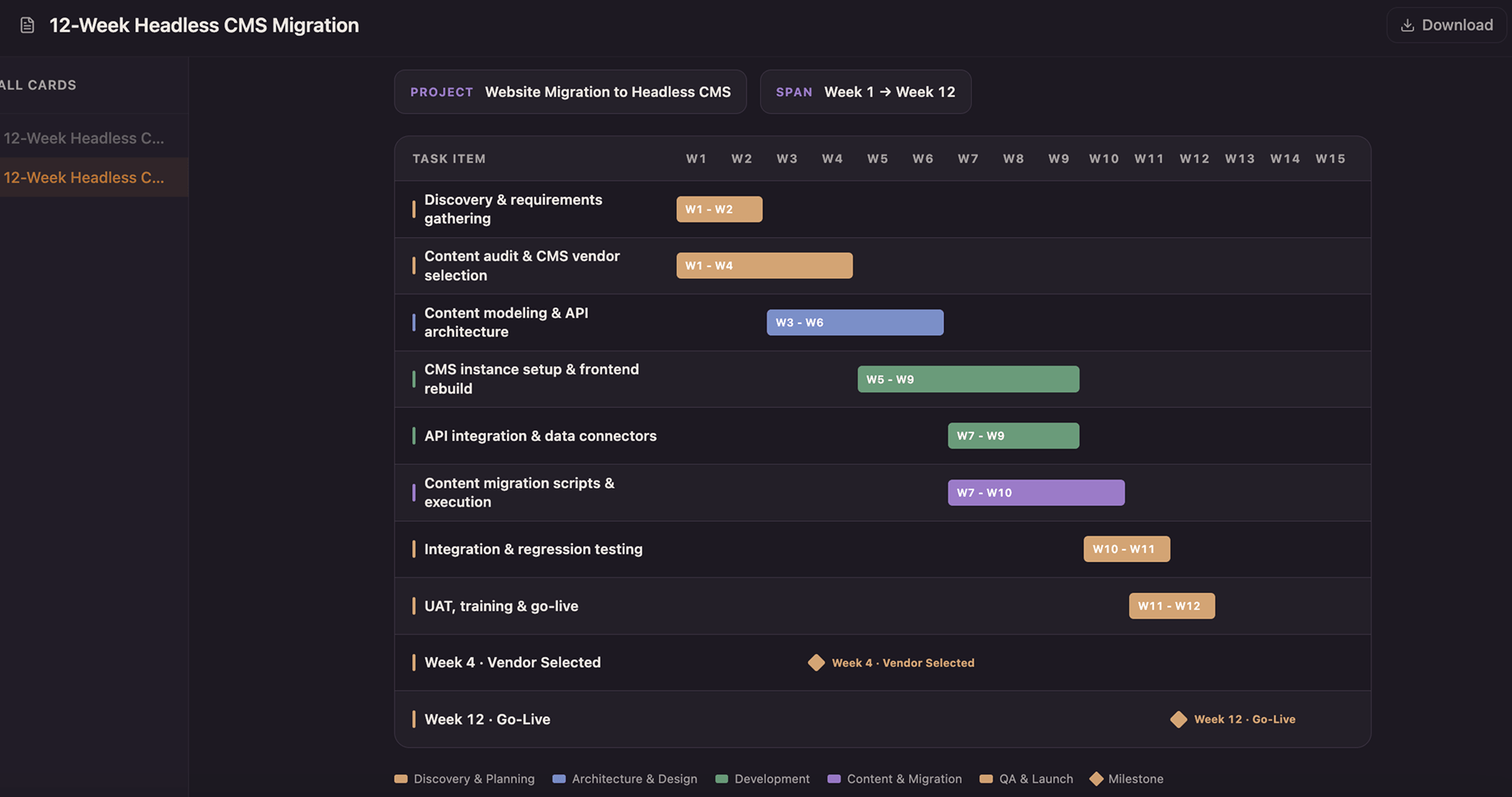
Lay every task as a solid bar across a twelve-week axis and color it by the team that owns it—copper for design, blue for build, green for test, purple for release—so a glance down any week shows who holds the schedule. Drag a bar to reschedule, snap it to whole weeks, and drop a milestone diamond on launch day.
 Tools
ToolsCreate a Gantt chart from a task list, project brief, launch plan, or schedule notes. Map start dates, end dates, durations, dependencies, task owners, progress, and milestones on a visual project timeline.
 Templates
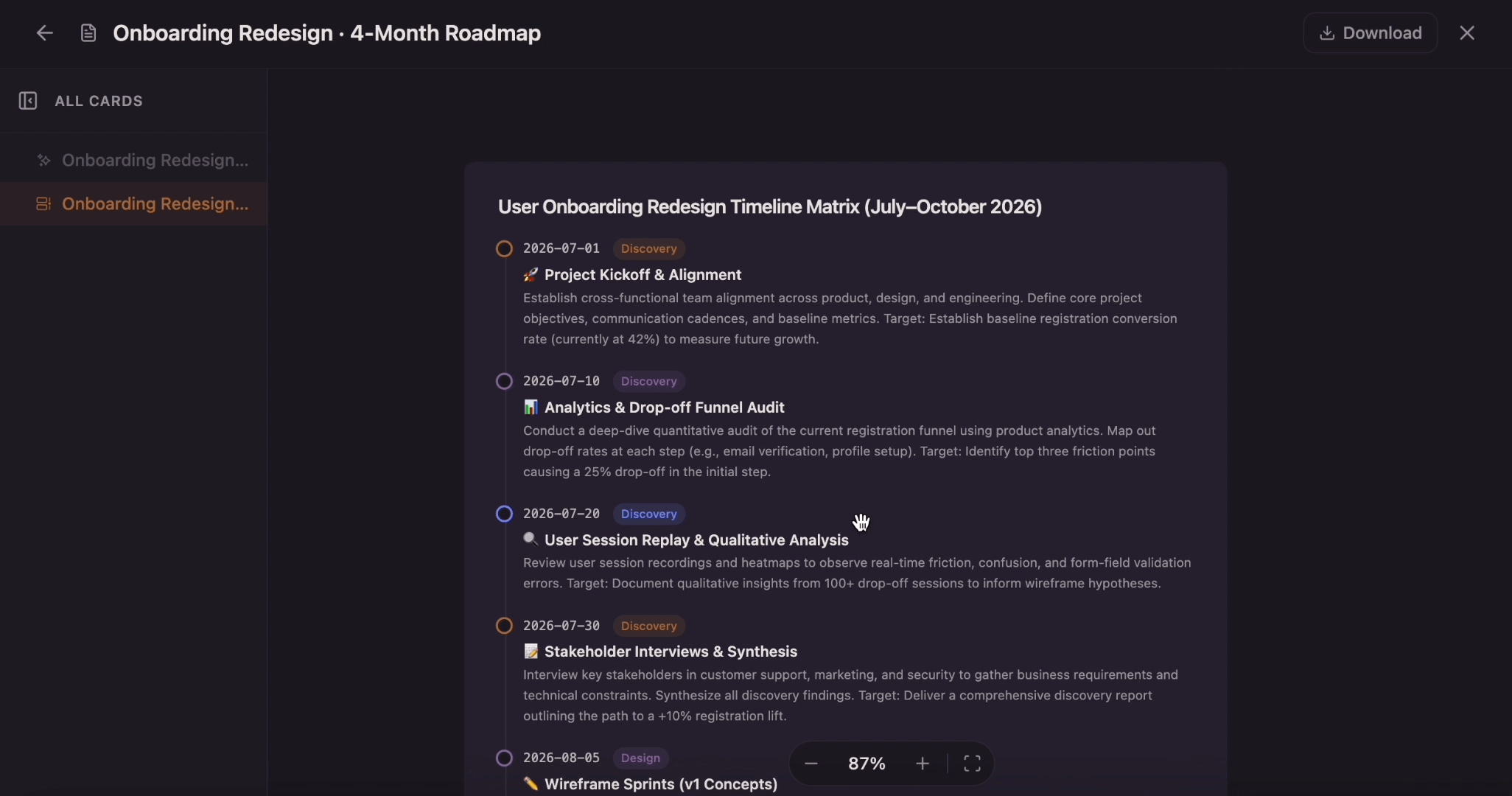
Transform your complex project schedules into clear, actionable visual timelines