Flowacts Logo
How it worksWhy FlowactsUse casesTemplatesPricingFAQ
Flowacts
The workspace where you, your team, and AI build together.

Product

PricingContact Us

Resources

BlogHelp Center

Templates

SWOT AnalysisMeeting AgendaProject Planning TemplateBusiness Plan TemplateTimeline Template

All rights reserved. © 2026 Flowacts

Privacy PolicyTerms of Use

TEMPLATE

Timesheet Template

Office attendance scatters across email notifications, paper sign-in sheets, and memory. Use this canvas to centralize morning and afternoon clock-in times, break durations, and overtime calculations while Flowacts tracks patterns, flags attendance gaps, and calculates pay-ready totals across your entire team.

About the Timesheet Template

When tracking employee office attendance, most teams struggle with fragmented clock-in records and manual overtime calculations. This template structures daily attendance into morning sessions, afternoon sessions, break times, and automatic regular vs. overtime hour breakdowns. With guided prompts helping managers set standard hours and track deviations, teams can maintain accurate attendance records for payroll processing.

Why Teams Use It

Traditional attendance tracking suffers from scattered sign-in sheets, lost email notifications, and manual overtime tallies that delay payroll. Flowacts keeps clock-in times, break durations, and overtime calculations live on the canvas—when an employee's afternoon session runs late, the system recalculates overtime instantly and managers see which days exceeded standard hours without rebuilding spreadsheets. HR starts with rough attendance estimates during onboarding, refines as actual clock patterns emerge over the first pay period, and operations can compare Week 1 vs Week 4 attendance trends to spot patterns or address chronic late arrivals.

What's Included

Morning and afternoon clock-in/out fields, break duration tracking, automatic regular vs. overtime hour calculations, daily and weekly totals, manager assignment, standard hours configuration, and per-day notes for attendance exceptions or schedule adjustments.

When To Use It

Track daily office attendance and calculate overtime for payroll processing. Monitor team punctuality and break compliance across weekly or biweekly periods. Document attendance patterns for HR reviews or performance discussions.

How to Use This Template

  1. 1

    Use the Template

    Click “Use Template” to open a new canvas with a timesheet already prepared.

  2. 2

    Customize the Prompt

    Edit the employee name, date range (weekly or biweekly periods), manager name, and standard daily hours (e.g., 8h/day) to match your team's work schedule.

  3. 3

    Generate Your Canvas

    Create a structured attendance sheet with columns for morning clock-in/out, break duration, afternoon clock-in/out, regular hours, overtime, daily totals, and notes.

  4. 4

    Refine With Chat

    Ask follow-up questions to adjust overtime rules, add leave or absence notes, flag unusual attendance patterns, or update standard hours as your team's schedule changes across pay periods.

Skip the frustration of staring at a daunting blank canvas—our templates do the foundational setup work for you right away.

Instant Overtime Detection

Stop hunting through clock-in records to find pay discrepancies. The canvas automatically flags when daily hours exceed your standard threshold, color-coding positive overtime (extra hours worked) and negative deviations (short days) so payroll review happens in seconds, not hours.

Break Compliance Tracking

See which team members consistently skip breaks or take irregular rest periods at a glance. Flowacts aggregates break patterns across the pay period and surfaces outliers, helping managers address burnout risks before they escalate into performance or health issues.

Attendance Pattern Intelligence

Ask Flowacts to analyze clock-in trends across multiple weeks and surface insights your team might miss during manual review—chronic late mornings, Friday early departures, or mid-week attendance dips that signal scheduling conflicts or engagement problems worth addressing in one-on-ones.

Questions About the Timesheet Template

Got a question about how this specific canvas behaves? Here is what you need to know before you get started.

A timesheet is a record of hours worked by an employee during a specific period, typically used for payroll processing and attendance verification. It captures when employees start work, take breaks, and finish for the day, helping organizations calculate wages, track overtime, and maintain labor compliance records.

Regular hours are the standard daily or weekly hours an employee is contracted to work (often 8 hours per day or 40 hours per week). Overtime is any time worked beyond that standard threshold. For example, if your standard is 8 hours and an employee works 8 hours 45 minutes in one day, the timesheet shows 8:00 regular and +0:45 overtime. This distinction matters for payroll because overtime typically has different pay rates or policy implications.

Subtract your clock-in time from your clock-out time for each session (morning and afternoon), subtract break duration, then sum the results. For example: morning session (11:00 - 09:20 = 1:40) + afternoon session (18:40 - 11:35 = 7:05) - break (1:00) = 7:45 total. Flowacts handles this arithmetic automatically and splits the total into regular hours (up to your standard, e.g. 8:00) and overtime (anything beyond), then multiplies by your hourly rate if pay calculation is enabled.

Yes, though it's designed for tracking actual work hours rather than physical office presence. For hybrid teams, you can use the notes column to indicate “remote” or “office” for each day, and Flowacts will still calculate total hours and overtime regardless of location. If your team works asynchronously across time zones, you may want to adjust the morning/afternoon session labels to “Session 1 / Session 2” or use 24-hour time blocks instead.

Flowacts lets you export the canvas content to common formats like CSV or Excel for upload into payroll systems (ADP, Gusto, QuickBooks, etc.). The export preserves your daily totals, overtime calculations, and notes, so you don't have to re-enter data. For recurring payroll cycles, you can duplicate the template at the start of each pay period and archive completed timesheets for audit or compliance purposes.

Use the notes column to mark days with “Sick Leave,” “PTO,” or “Unpaid Leave,” and leave the clock-in/out fields empty or set to zero. Flowacts will exclude those days from overtime calculations and weekly totals. For teams that track PTO balances separately, you can ask Flowacts to summarize how many leave days appeared in the current period and cross-reference that count against your HR system's PTO records.

Template details

Best for

HR ManagersOperations ManagersTeam LeadsPayroll AdministratorsOffice Managers

Tags

Attendance TrackingPayroll ManagementWorkforce ManagementTime & AttendanceEmployee Monitoring

Description

Office attendance scatters across email notifications, paper sign-in sheets, and memory. Use this canvas to centralize morning and afternoon clock-in times, break durations, and overtime calculations while Flowacts tracks patterns, flags attendance gaps, and calculates pay-ready totals across your entire team.

Share

Similar Templates

Project Tracker Template

Project Tracker Template

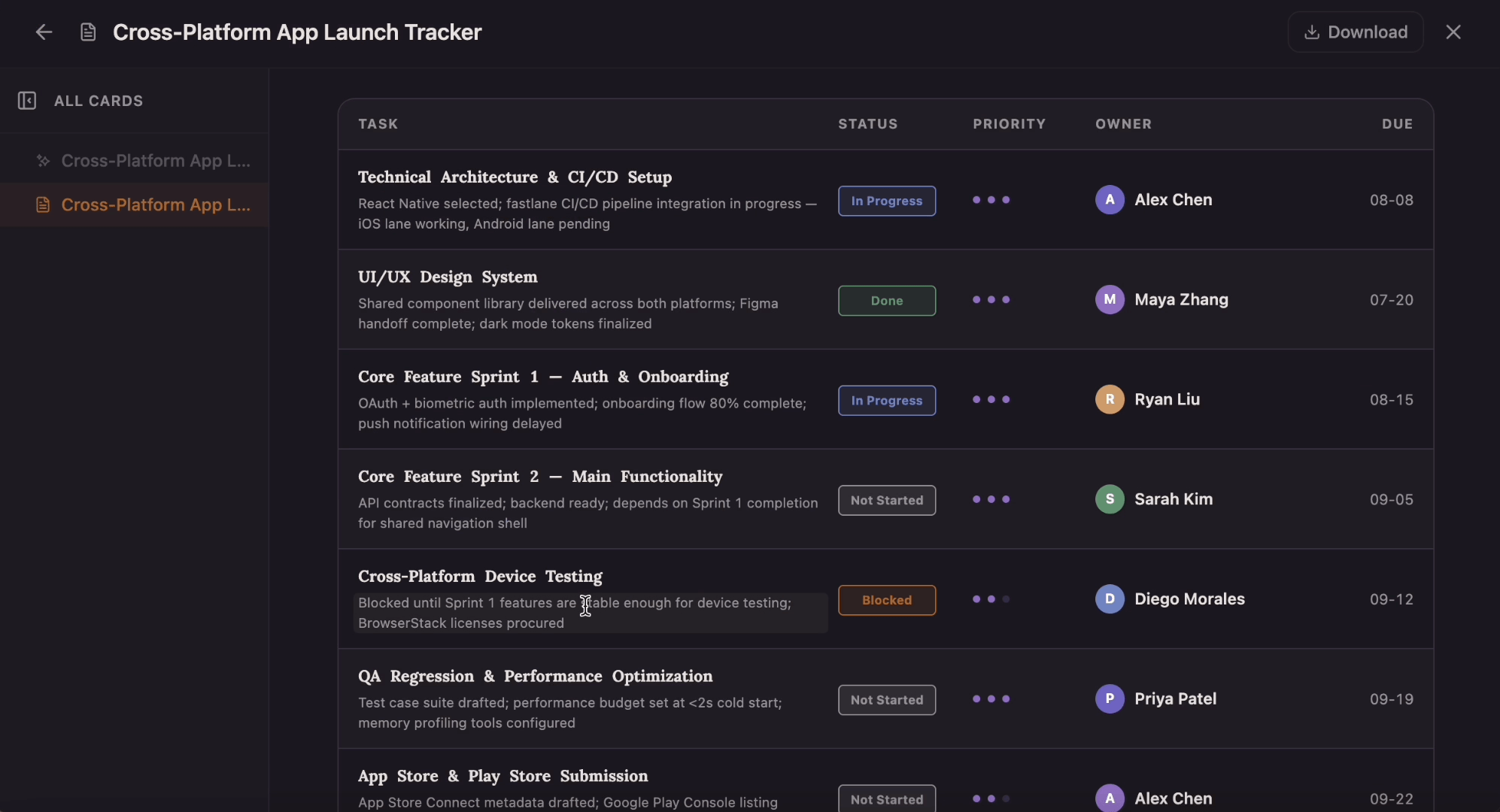
Which tasks are on track, and which are quietly blocked? This tracker gives every task a row with a four-state status pill, a one-to-three-dot priority, an owner, and a due date that flips to red the moment it slips past today.

Project Planning Template

Project Planning Template

Ditch the flat spreadsheet and move from scattered task lists to a unified visual roadmap. Select this project management template to instantly generate a tailored workspace that maps out your exact project scope, timeline, deliverables, and blockers.

Action Plan template

Action Plan template

Build an action plan that turns ambitious goals into accountable work by breaking them into clear tasks with assigned owners, visible status, and real deadlines. Use this template to map out who does what by when, track progress as tasks move from planned to done, and keep everyone aligned while Flowacts organizes updates and surfaces what needs attention next.