 Tools
ToolsRoadmap Maker
Create a roadmap from a product idea, project goal, strategy brief, release plan, or campaign direction. Organize goals, priorities, phases, milestones, owners, and status into one visual plan.

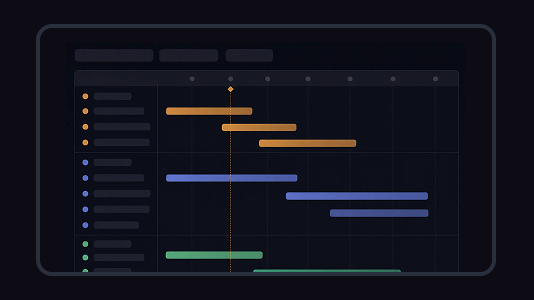
Build a visual roadmap with monthly timeline lanes, grouped initiatives, milestones, launch markers, and current-month indicators in one shared canvas. Flowacts helps teams turn strategic plans into a timeline view that stays easy to scan as priorities and dates shift.
This roadmap template helps teams map product, platform, and business initiatives across a monthly or quarterly timeline. The canvas organizes work into grouped lanes, horizontal roadmap bars, milestone markers, launch dates, and a current-month indicator, so stakeholders can quickly see what is planned, what overlaps, and what is coming next.
Traditional roadmaps get presented once in a quarterly review and then live as static PDFs while reality diverges from the plan. Flowacts maintains the roadmap as a live canvas—when engineering extends a platform migration by three weeks, the canvas automatically flags which product launches depend on that work and surfaces the downstream timeline impact. Product teams start with rough quarterly themes, refine as customer feedback arrives, and executives can see exactly which assumptions shifted between planning cycles without digging through email threads or version-controlled slide decks.
The template includes sections for strategic objectives, timeline phases organized by quarter or month, key initiatives with priority levels, ownership assignments across teams, dependency mapping, and status indicators. Guided prompts help you define measurable milestones and connect each initiative back to business goals.
Use this template when planning product releases across multiple quarters, coordinating cross-functional initiatives that span engineering and go-to-market teams, or aligning stakeholders on strategic direction during annual or quarterly planning cycles.
Click “Use Template” to open a new canvas with a roadmap structure already prepared.
Edit the project name, date span, time unit, initiative groups, roadmap items, start and end dates, milestone markers, and planning status.
Create a visual roadmap with a monthly timeline, grouped swimlanes, horizontal bars, milestone diamonds, launch markers, a current-month line, and a category legend.
Ask Flowacts to shift dates, add a milestone, regroup initiatives, highlight overlapping work, or update the roadmap when priorities change.
Skip the frustration of staring at a daunting blank canvas—our templates do the foundational setup work for you right away.
Roadmap items appear as horizontal bars across months or quarters, so teams can quickly understand timing, overlap, and sequencing.
Organize work by themes such as product experience, platform performance, or commercialization, making the roadmap easier for stakeholders to read.
Use milestone markers, launch dates, and a current-month indicator to show what is happening now and what important checkpoints are coming next.
Got a question about how this specific canvas behaves? Here is what you need to know before you get started.
A roadmap template is a pre-structured framework that helps teams visualize strategic plans over time. It typically includes sections for goals, milestones, timelines, priorities, and ownership, providing a consistent format for planning product releases, project phases, or business initiatives without starting from scratch.
A product roadmap focuses on strategic direction and feature evolution over multiple quarters or years, organized around themes and customer value. A project roadmap focuses on execution within a defined scope, organized around deliverables, tasks, and deadlines. Product roadmaps guide what to build and why; project roadmaps guide how and when specific work gets done.
Start by defining your strategic goals and target timeline horizon. Identify key initiatives that support those goals, then sequence them by priority and dependencies. Assign ownership, set measurable milestones, and share with stakeholders for input. Flowacts generates a structured canvas with all these sections, then lets you refine as you discuss trade-offs and constraints with your team.
Include strategic objectives, time-bound initiatives organized by quarter or phase, priority levels for each item, clear ownership assignments, dependencies between initiatives, and status indicators. Effective roadmaps balance high-level direction with enough specificity that teams understand what success looks like.
Yes. You can invite external stakeholders like customers, partners, or board members to view the canvas. For external audiences, consider creating a simplified version that emphasizes outcomes and timelines without exposing internal resource constraints or specific technical dependencies.
Update quarterly at minimum, or monthly if your team ships frequently. Flowacts makes updates lightweight—when a priority shifts or a milestone slips, edit directly on the canvas and the system preserves the change history so stakeholders can see what evolved and why.
Browse related template categories to find more workflows connected to this template.
Keep going with templates and tools for the same workflow.
ToolsCreate a roadmap from a product idea, project goal, strategy brief, release plan, or campaign direction. Organize goals, priorities, phases, milestones, owners, and status into one visual plan.
 Templates
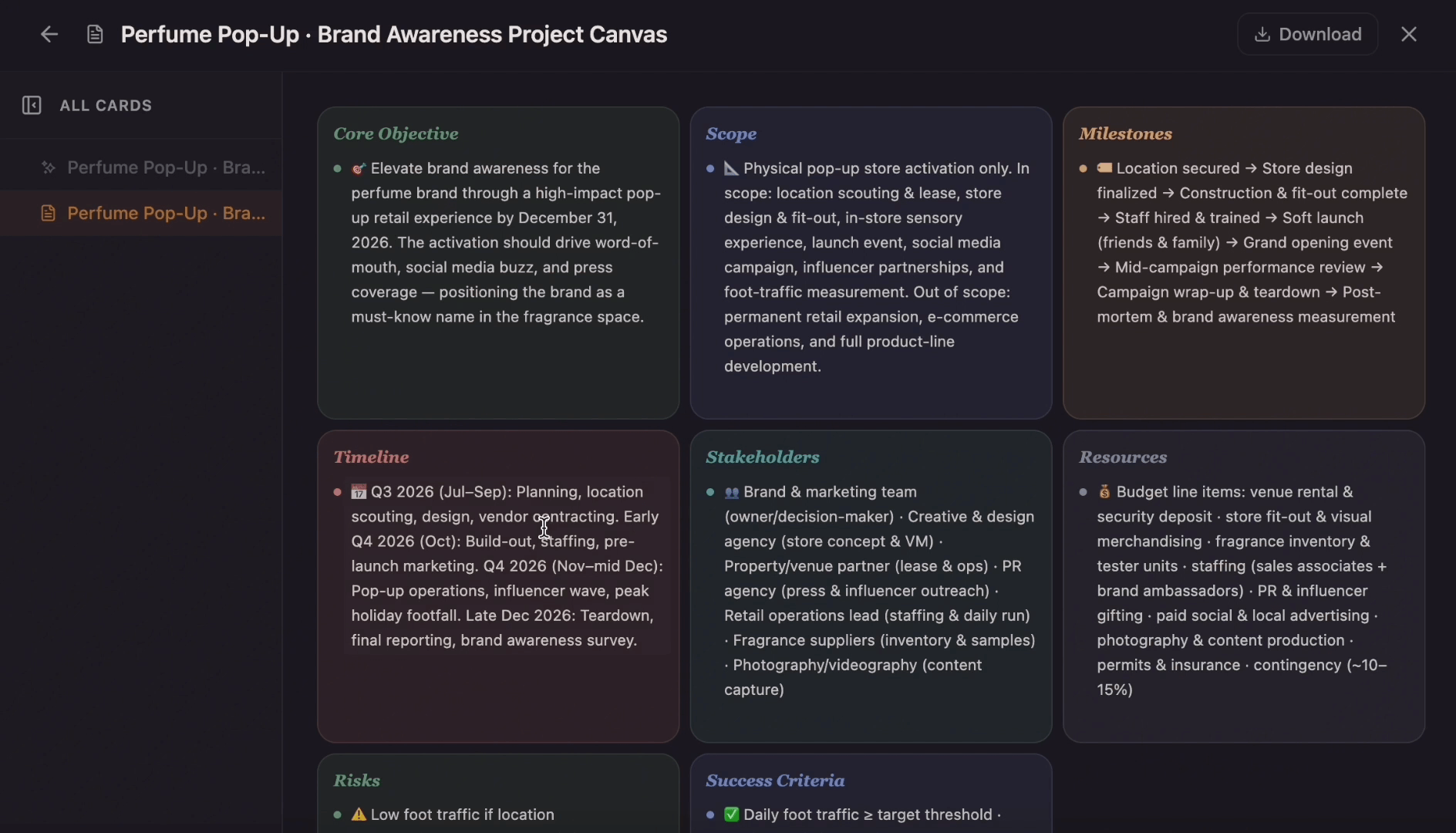
Ditch the flat spreadsheet and move from scattered task lists to a unified visual roadmap. Select this project management template to instantly generate a tailored workspace that maps out your exact project scope, timeline, deliverables, and blockers.
 Tools
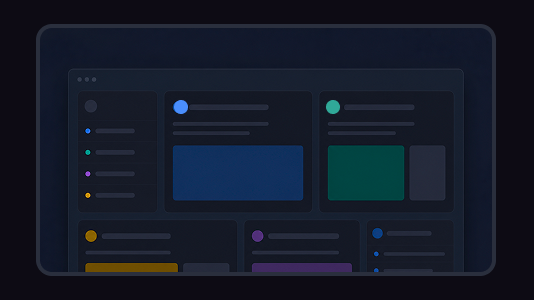
ToolsCreate a project plan from a goal, brief, launch idea, client request, or team initiative. Map scope, tasks, owners, milestones, deadlines, risks, and resources into one editable planning canvas.
 Templates
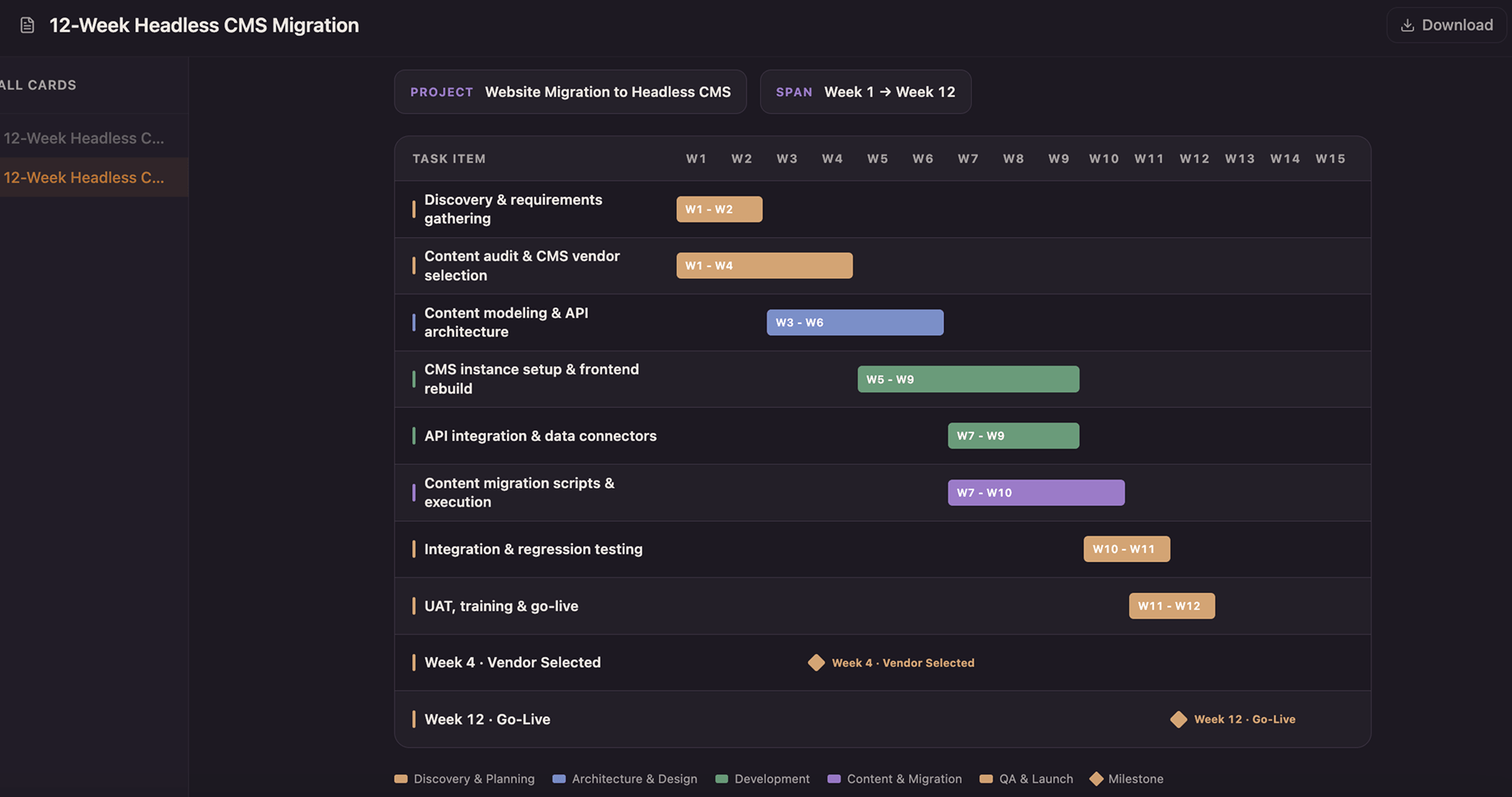
Lay every task as a solid bar across a twelve-week axis and color it by the team that owns it—copper for design, blue for build, green for test, purple for release—so a glance down any week shows who holds the schedule. Drag a bar to reschedule, snap it to whole weeks, and drop a milestone diamond on launch day.