 Templates
Meetings
Goodbye messy notes. Instantly spin up brainstorming boards and team retrospectives.

Create clear meeting minutes with meeting details, attendees, agenda items, discussion summaries, decisions, and action items with owners and due dates. Flowacts turns raw notes into structured minutes your team can review, share, and use for follow-up accountability.
This meeting minutes template helps teams document meeting details, attendees, agenda topics, discussion summaries, decisions, and action items in a clear, structured format. Flowacts helps organize rough notes into professional meeting minutes while your team collaborates on the same canvas, so decisions and follow-up tasks stay visible after the meeting ends.
Most meeting notes end up scattered across personal notebooks or forgotten in email threads. Flowacts keeps your meeting minutes, decisions, and action items together in one editable canvas where the whole team can see progress. You can start with rough notes during the meeting, ask Flowacts to organize them into professional minutes format, update action items as work progresses, and invite stakeholders to review decisions—which makes the template useful for ongoing accountability, not just meeting documentation.
This template includes structured sections for meeting metadata (date, time, location, attendees), agenda items with discussion summaries, key decisions reached, action items with assigned owners and due dates, and notes for follow-up topics. Guided prompts help you capture essential details while keeping the format consistent across all your team meetings.
Use this template for board meetings where decisions need formal documentation, project team meetings to track action items, recurring staff meetings to maintain accountability, or any collaborative session where decisions and next steps need to be captured and shared with stakeholders who weren't present.
Click “Use Template” to open a new canvas with a meeting minutes structure already prepared.
Edit the meeting title, date, attendees list, and agenda topics to match your specific meeting context.
Create a structured meeting minutes document with sections for attendance, discussion points, decisions, and action items.
Ask follow-up questions to expand discussion summaries, add late attendees, reassign action items, or adjust formatting as your meeting documentation needs evolve.
Skip the frustration of staring at a daunting blank canvas—our templates do the foundational setup work for you right away.
Take notes directly in the canvas during your meeting without worrying about formatting. Flowacts helps you quickly structure rough notes into organized sections—attendee tracking, discussion summaries, and decision logs—so you can focus on the conversation, not the document layout.
Turn discussion points into trackable action items instantly. The canvas helps you identify commitments from meeting notes, assign owners, set due dates, and visualize what needs to happen next so nothing falls through the cracks after everyone leaves the room.
Share completed minutes with team members who need context or weren't present. The canvas maintains one authoritative version that stakeholders can reference anytime, eliminating the confusion of multiple meeting note versions floating across email and shared drives.
Got a question about how this specific canvas behaves? Here is what you need to know before you get started.
Meeting minutes are the official written record of what happened during a meeting. They document attendee names, topics discussed, decisions made, and action items assigned. Unlike raw meeting notes, minutes are structured summaries that serve as the authoritative reference for what was decided and who is responsible for follow-up tasks.
Meeting notes are informal, personal jottings taken during a meeting, while meeting minutes are the official, structured record shared with all stakeholders. Notes might include everything discussed; minutes capture only key decisions, action items, and essential discussion points. Minutes follow a consistent format and serve as the team's single source of truth about what was decided.
Start by recording meeting basics: date, time, attendees, and agenda. During the meeting, capture key discussion points, decisions reached, and action items with assigned owners. After the meeting, organize your notes into clear sections—attendance, agenda topics, decisions, action items, and next steps. Keep language concise and factual. With Flowacts, you can capture rough notes during the discussion and then ask the system to structure them into professional minutes format automatically.
Essential elements include the meeting date, start and end times, attendee list (present and absent), agenda items, brief summaries of discussions, all decisions made, action items with assigned owners and deadlines, and the next meeting date if applicable. For board meetings, you may also need motions, votes, and approval records. Focus on capturing what was decided and who will do what, rather than verbatim transcripts of every comment.
Yes. The template includes a dedicated action items section where you can list tasks, assign team members, set due dates, and track status. As action items are completed, update their status directly in the canvas so everyone sees progress. You can also ask Flowacts to extract action items from discussion notes and automatically format them with owner and deadline fields.
Browse related template categories to find more workflows connected to this template.
Keep going with templates and tools for the same workflow.
TemplatesGoodbye messy notes. Instantly spin up brainstorming boards and team retrospectives.
 Templates
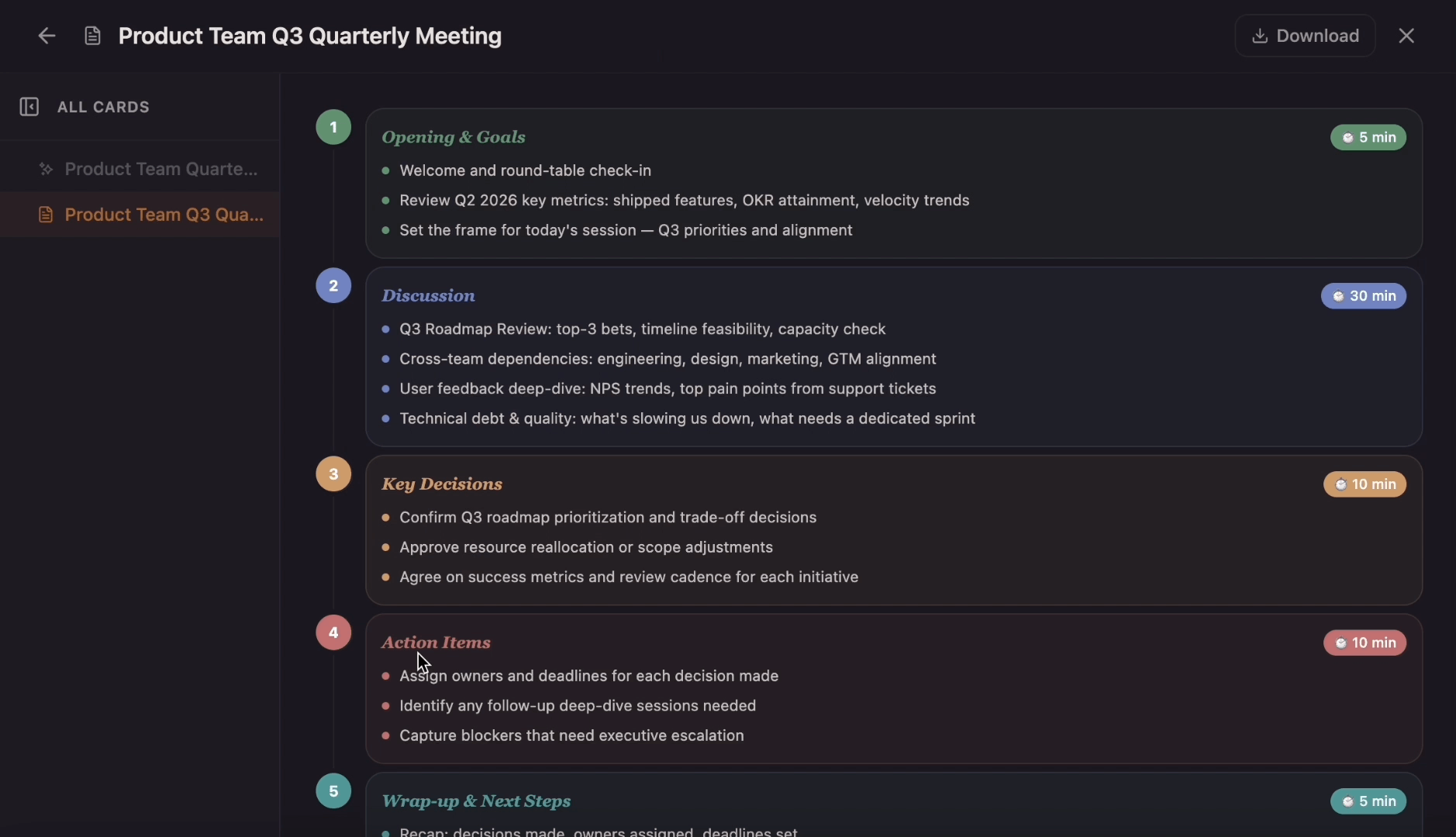
Move from a chaotic, unfocused team synch to a clear, goal-driven session. Use the template to map out target timeframes, critical discussion topics, speaker roles, and post-meeting action items while Flowacts outlines, organizes, and sharpens your notes.
 Templates
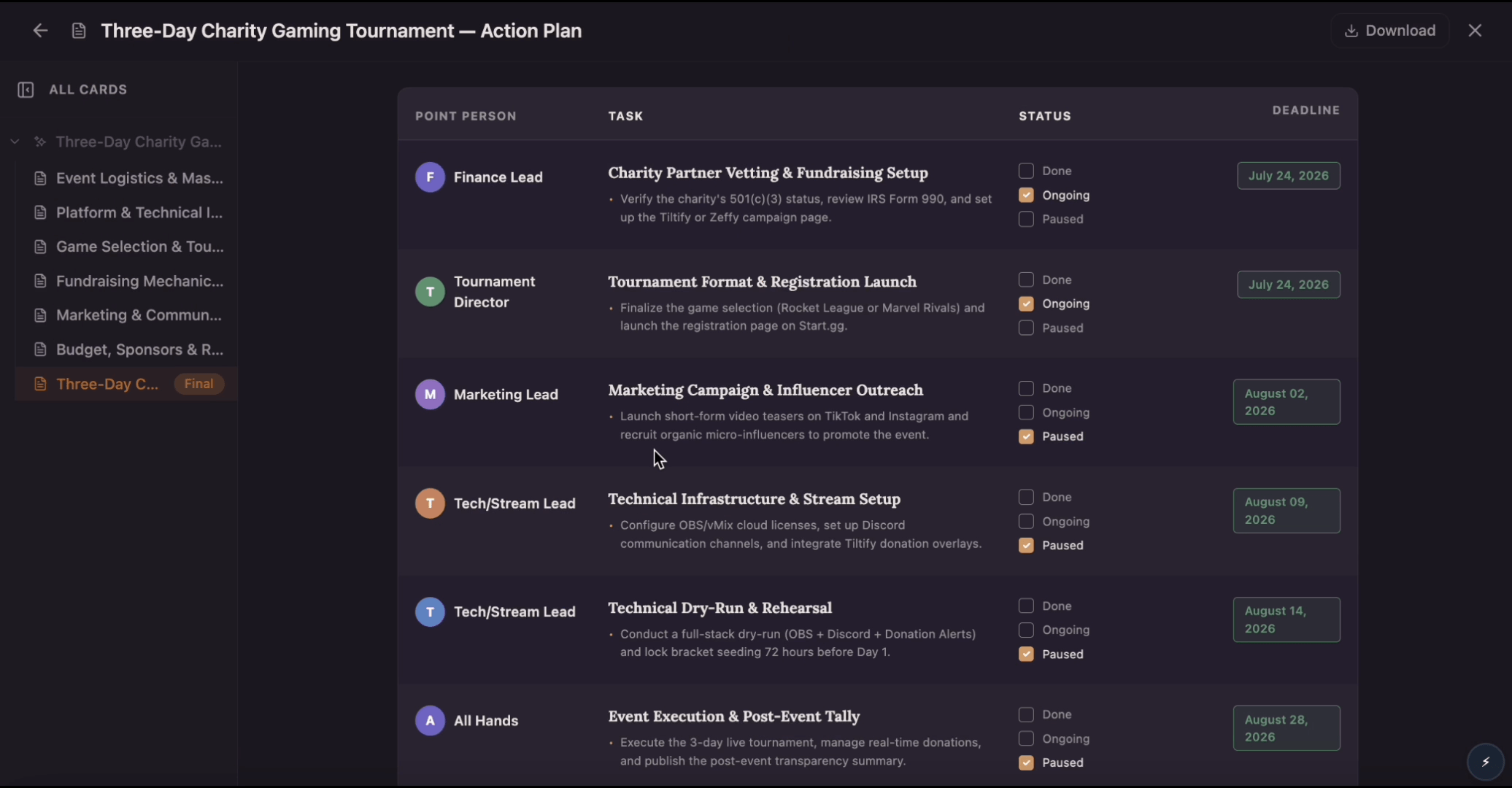
Build an action plan that turns ambitious goals into accountable work by breaking them into clear tasks with assigned owners, visible status, and real deadlines. Use this template to map out who does what by when, track progress as tasks move from planned to done, and keep everyone aligned while Flowacts organizes updates and surfaces what needs attention next.
 Tools
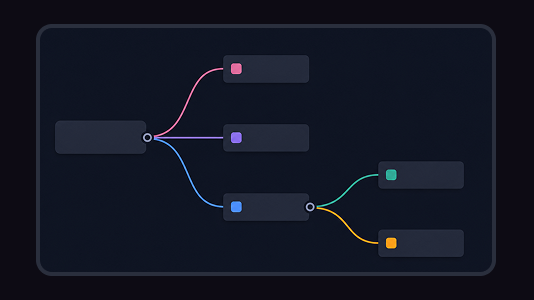
ToolsTurn scattered ideas, research notes, and meeting threads into a clear mind map. Flowacts helps you create branches, organize details, and shape next actions on an editable canvas.