Flowacts Logo
How it worksWhy FlowactsUse casesTemplatesPricingFAQ
Flowacts
The workspace where you, your team, and AI build together.

Product

PricingContact Us

Resources

BlogHelp Center

Templates

SWOT AnalysisMeeting AgendaProject Planning TemplateBusiness Plan TemplateTimeline Template

All rights reserved. © 2026 Flowacts

Privacy PolicyTerms of Use

TEMPLATE

Customer Journey Map Template

Transform scattered customer touchpoints into a visual journey map your team can analyze together. Use this template to map stages, actions, emotions, pain points, and opportunities across the customer experience while Flowacts helps you connect research insights and identify where to improve.

About the Customer Journey Map Template

The customer journey map template helps teams visualize how customers experience your product or service across multiple stages. It includes columns for each journey stage (awareness, consideration, engagement, conversion, retention) and rows for customer actions, touchpoints, emotions, pain points, and opportunities. Flowacts helps you structure customer research while your team collaborates in real-time on a shared canvas where everyone can see the complete experience at a glance.

Why Teams Use It

Most journey maps are created once during research and then left behind as customer behavior changes. Flowacts turns the template into a living canvas where journey stages, research notes, pain points, and improvement ideas stay connected.

Teams use it to align product, UX, marketing, support, and CX around the same view of the customer experience. As new feedback, analytics, or support issues appear, the canvas can be updated instead of rebuilding the map from scratch.

What's Included

The template includes a journey map matrix with columns for each customer stage and rows for customer actions, touchpoints across channels, emotional states, pain point identification, improvement opportunities, and AI prompts that help synthesize customer research into journey insights and suggest where experience gaps exist.

When To Use It

Use this template when launching a new product and need to understand the customer experience, identifying where customers drop off or experience friction, or preparing a CX strategy presentation and need current journey intelligence that shows where improvements will have the most impact.

How to Use This Template

  1. 1

    Use the Template

    Click "Use Template" to open a new canvas with a user journey map framework already prepared.

  2. 2

    Customize the Prompt

    Edit the journey stages, touchpoint categories, customer actions, and emotion levels to match your product experience and the persona you're mapping.

  3. 3

    Generate Your Canvas

    Create a structured journey map with columns for each stage and rows for actions, touchpoints, emotions, pain points, and improvement opportunities across the customer experience.

  4. 4

    Refine With Chat

    Ask follow-up questions, add new touchpoints, update pain point descriptions, or adjust opportunity areas as you gather more customer research and feedback.

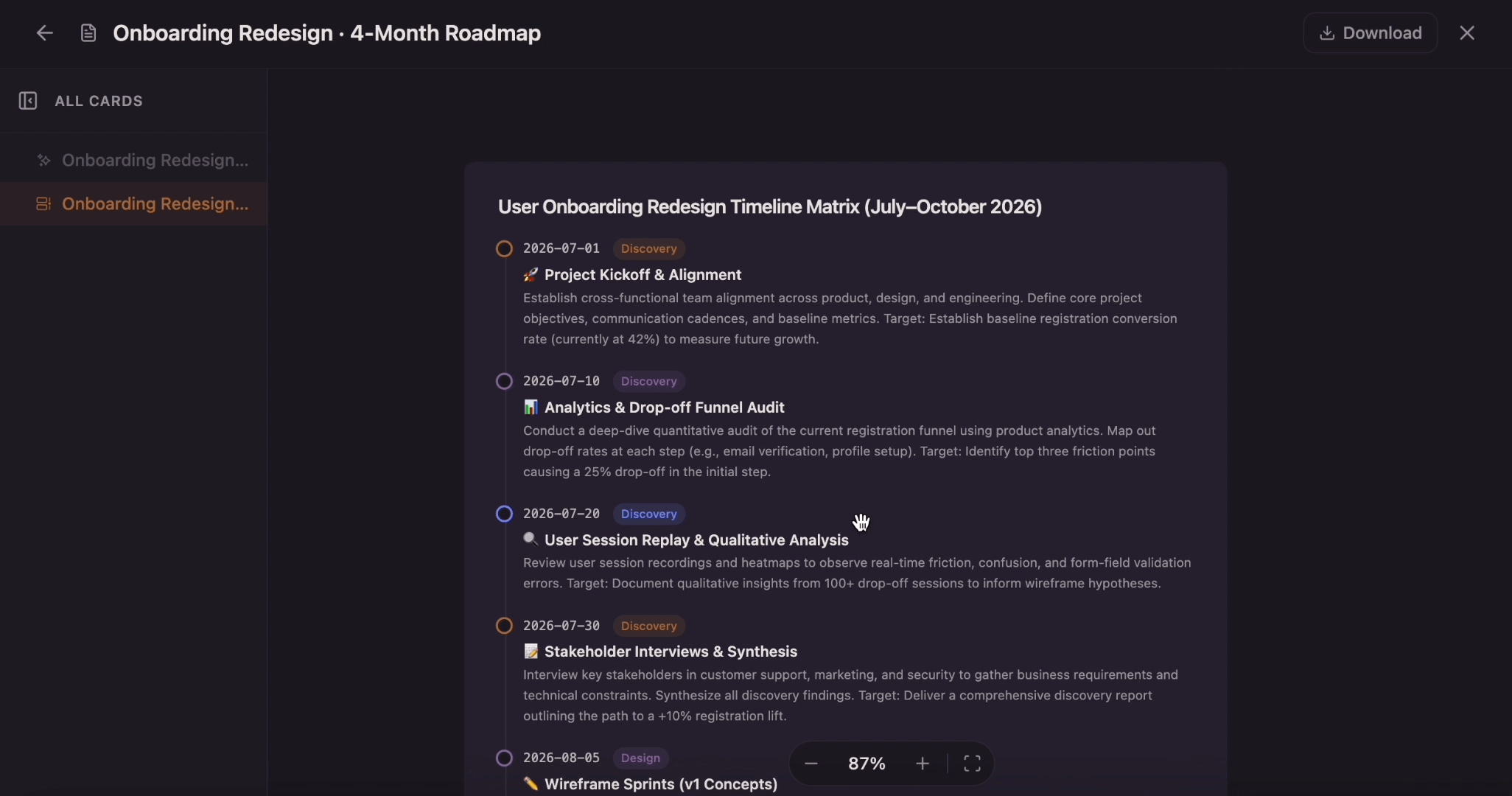
The AI Canvas Workspace Skip the frustration of staring at a daunting blank canvas—our templates do the foundational setup work for you right away.

Cross-Stage Pattern Detection

Flowacts analyzes emotions and pain points across all journey stages simultaneously, spotting patterns like "customers feel confused at every decision point" or "drop-offs spike when payment touchpoints appear." Ask Flowacts to find recurring themes and it surfaces systemic issues your team can fix once rather than patching stage by stage.

Touchpoint-to-Research Linking

Anchor real customer quotes, survey responses, and session recordings directly to specific journey stages and pain points. When someone asks "why did we mark onboarding as frustrating?", the supporting research is attached right there on the canvas—interview transcripts, heatmap screenshots, support ticket examples—so decisions stay grounded in evidence instead of assumptions.

Multi-Persona Journey Layering

Map different personas on separate journey canvases, then ask AI to compare them and identify where experiences diverge. See at a glance that "enterprise buyers care about security touchpoints in consideration, while SMB buyers skip straight to pricing"—insights that help you prioritize which journey improvements serve which segments.

Questions About the Customer Journey Map Template

Got a question about how this specific canvas behaves? Here is what you need to know before you get started.

A customer journey map is a visual representation of how customers interact with and experience your product or service across multiple touchpoints and stages. It captures their actions, emotions, pain points, and opportunities for improvement throughout the entire experience from awareness to advocacy.

Touchpoints are specific interactions customers have with your business at each stage—landing on your website, seeing an ad, talking to support, receiving an email, making a purchase, or leaving a review. Mapping every touchpoint across channels (digital, physical, indirect) helps you understand where customers engage and where friction occurs.

Journey maps focus on a customer's interactions with your specific business, product, or service over time. Experience maps visualize any individual's journey through completing a task, whether business-related or not. Journey maps are tied to your product; experience maps can cover broader human experiences.

Update your journey map quarterly in stable markets, or monthly if customer behavior is changing rapidly. Also refresh the map when you launch new features, change your product experience, or gather significant new customer research. Flowacts makes updates easy—edit journey stages and pain points directly on the canvas as customer behavior evolves, so your map stays current.

Focus on one persona per journey map. Including multiple personas in a single map creates generic results that mask specific behaviors and pain points. If you have multiple target personas, create separate journey maps for each so you can see where their experiences differ and prioritize improvements accordingly.

A customer journey map template should include journey stages, customer actions, touchpoints, emotions, pain points, opportunities, supporting research, and owners for follow-up actions.

Template details

Best for

Product ManagersUX DesignersCustomer Experience ManagersMarketing TeamsProduct Designers

Tags

Customer ExperienceUX ResearchProduct DevelopmentCustomer JourneyExperience Design

Description

Transform scattered customer touchpoints into a visual journey map your team can analyze together. Use this template to map stages, actions, emotions, pain points, and opportunities across the customer experience while Flowacts helps you connect research insights and identify where to improve.

Share

Similar Templates

SWOT Analysis Template

SWOT Analysis Template

Use this template to generate a collaborative canvas that explores the internal strengths and weaknesses alongside external market opportunities and threats of your business and to better inform decisions when it comes to strategy planning, action plans, management, and your project's next steps.

Competitor Analysis Template

Competitor Analysis Template

Build a structured competitor analysis on an editable canvas instead of a static spreadsheet. Use chat to add competitors, compare positioning, evaluate strengths and weaknesses, and turn market research into a clear strategic map your team can act on.

Gap Analysis Template

Gap Analysis Template

Compare your current state with your desired future state on one editable canvas. Use this gap analysis template to identify gaps, understand root causes, prioritize actions, and track progress as your team closes the gap.

User Persona Template

User Persona Template

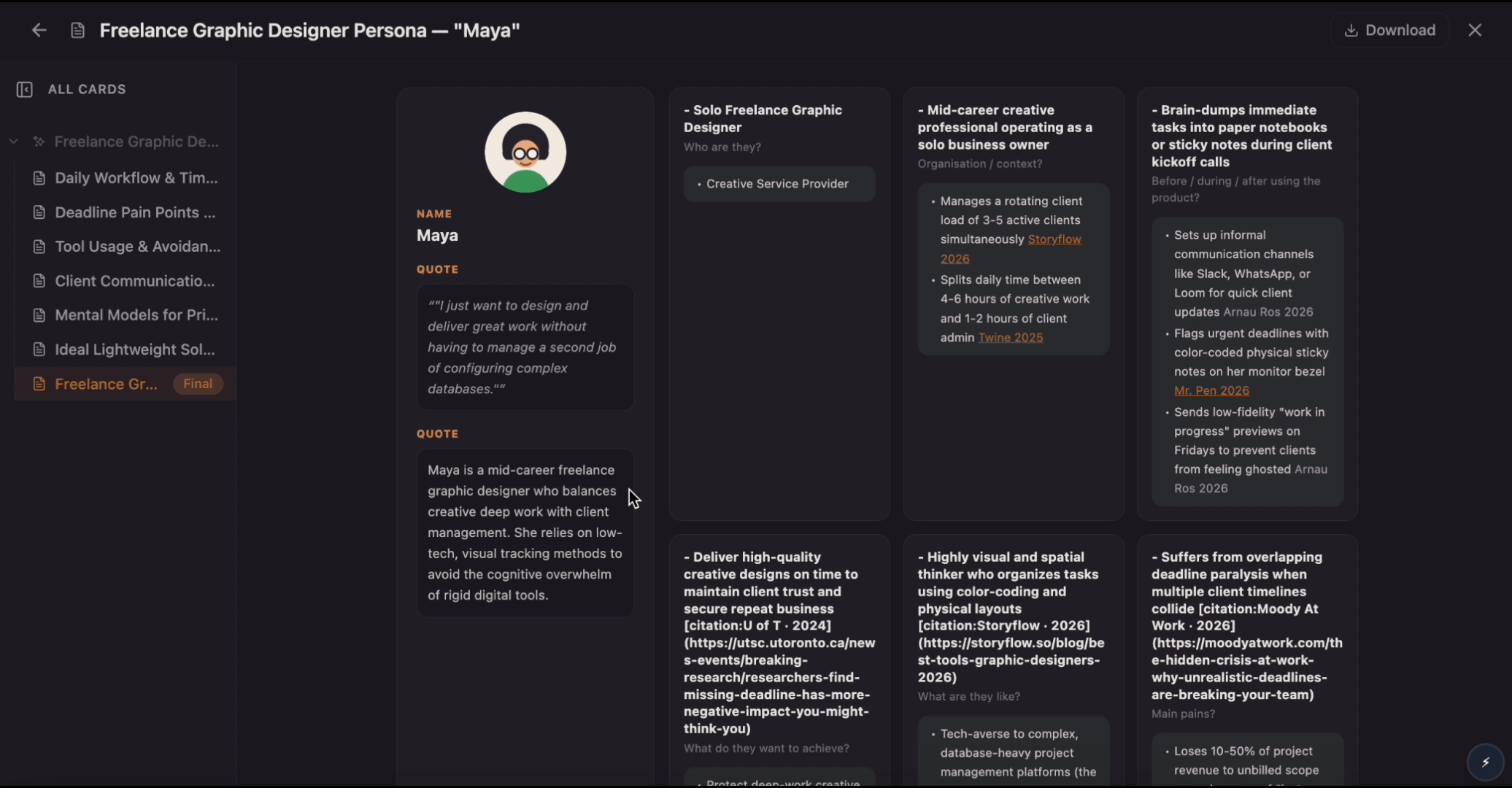
Create research-backed user personas from interviews, surveys, and team insights. Use this template to organize goals, pain points, behaviors, quotes, and needs into a clear profile your team can use for product decisions.